
This is the second issue of What’s Next. This month’s theme is the release of the NextGIS Web Community Edition – and more broadly, putting control back in your hands: your own infrastructure, your own tile packages, your own basemap styles. We hope you find something worth trying.
If you are interested in deploying the open-source Community Edition on your server, scroll down and sign up for our upcoming webinars in English and Spanish!
Eduard Kazakov
Director, International Business Development
LinkedIn Profile
NextGIS Web has always been open-source. What was missing was a straightforward way to deploy it. Building from source required server expertise that put self-hosting out of reach for most teams.
Community Edition changes that. It’s an official Docker image that launches a full NextGIS Web instance in a single command, at no cost. You get spatial data storage, web map publishing, QGIS Teamspace with version control, REST API, WMS/WFS/OGC services, and access control – all included, nothing to license.
Blog article | GitHub Repository | Register for Demo Webinars
As raster datasets grow – satellite imagery, aerial photography, large terrain models – storing everything on local disk stops making sense. NextGIS Web now supports external S3-compatible object storage, letting you connect your existing cloud buckets directly to your Web GIS instance. Your data stays where it is; NextGIS Web serves it.
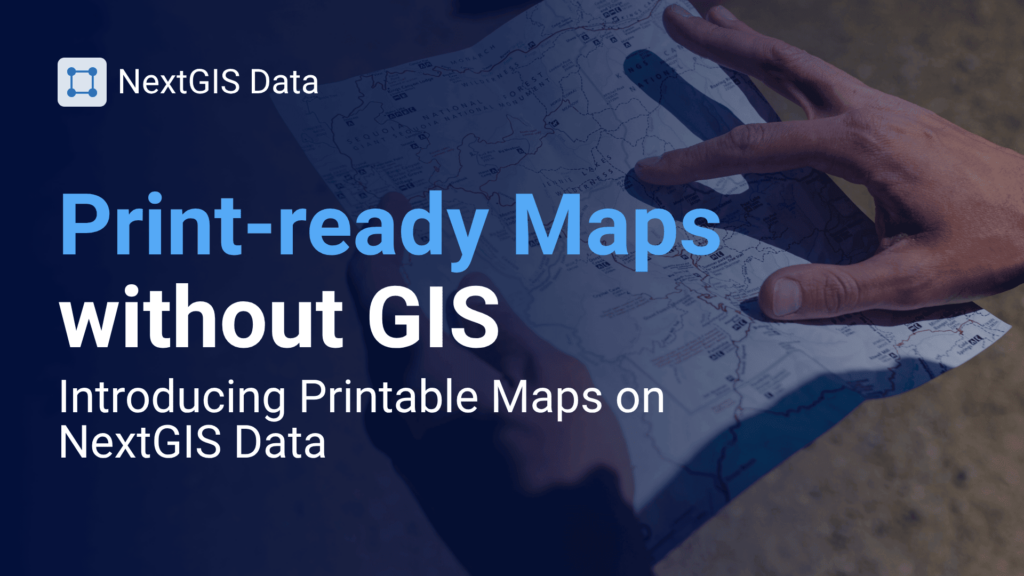
Need a print-ready map for a specific area? NextGIS Data now offers printable maps on demand. Select your region and zoom range, and receive a clean, ready-to-use map – no GIS software required. Useful for field teams, reports, and presentations where an interactive link isn’t enough.
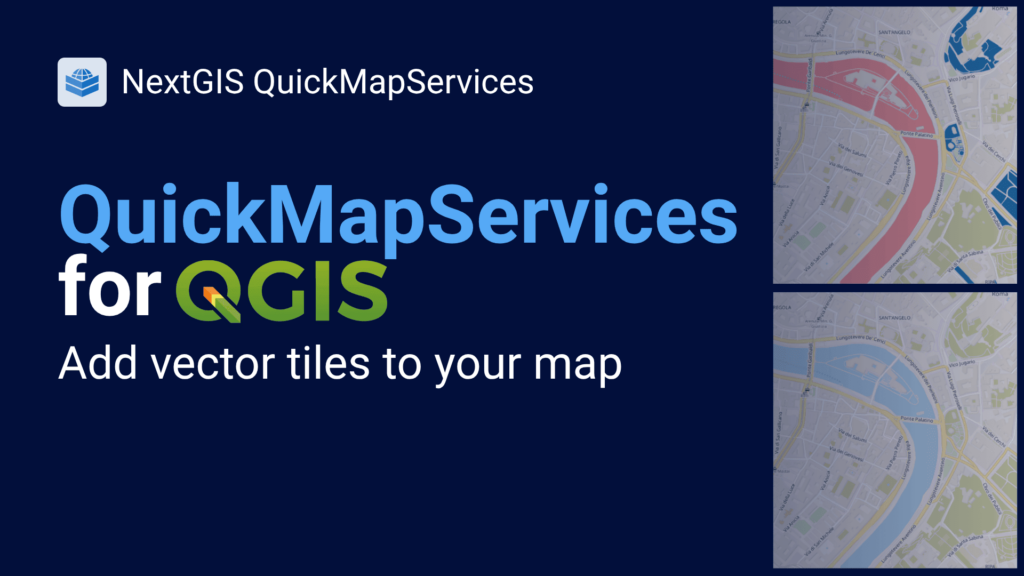
QuickMapServices now supports vector tile basemaps. Vector tiles are sharper than raster tiles, render faster, and can be restyled to match your project – useful when you need a basemap that doesn’t compete visually with your data.
Watch the QGIS Open Day session covering this feature alongside two related plugins, then read the full guide on what’s new in QMS.
A lot has shipped across NextGIS Web, NextGIS Mobile, NextGIS Data, our QGIS plugins, NextGIS GeoServices, and NextGIS Toolbox since January. Rather than leave it in release notes, we wrote it up as a readable roundup: what changed, what it means for your workflows, and what to look at first.
Not sure which basemap approach fits your project? The right answer depends on whether you need to work offline, style the basemap to match your design, serve tiles to a whole team, or just get something on the map quickly. This guide covers every scenario – from QuickMapServices to QTiles 2 to NextGIS GeoServices – and helps you choose the right tool for the job.

Join us for a live walkthrough of Community Edition – what it includes, how to deploy it with Docker, and how to configure it for your team. Sessions are available in English and Spanish.
Check the start time in your local time zone on the registration page.
Register in English | Registrarse en español
Haven’t tried Community Edition yet? Spin up a Docker instance, load in your data, and send us your feedback.
QuickMapServices just passed 10 million downloads. As we prepare to celebrate this milestone next month, we would love your help spreading the word. Let us know if you would be willing to share the news with your network or just tell a colleague!


