
This October, the NextGIS team joined the QGIS User Conference 2026 in LAAX, Switzerland, where we presented our approach to collaborative QGIS workflows and put it into practice during an intensive hands-on workshop.
Our participation focused on one central topic: how to turn individual QGIS projects into collaborative workspaces where teams can share data, edit it together, track changes, and publish results on the web.
During our talk, “Collaborative QGIS Workspaces with NextGIS Web,” we presented the architecture and workflows behind QGIS Teamspaces built with NextGIS Web.
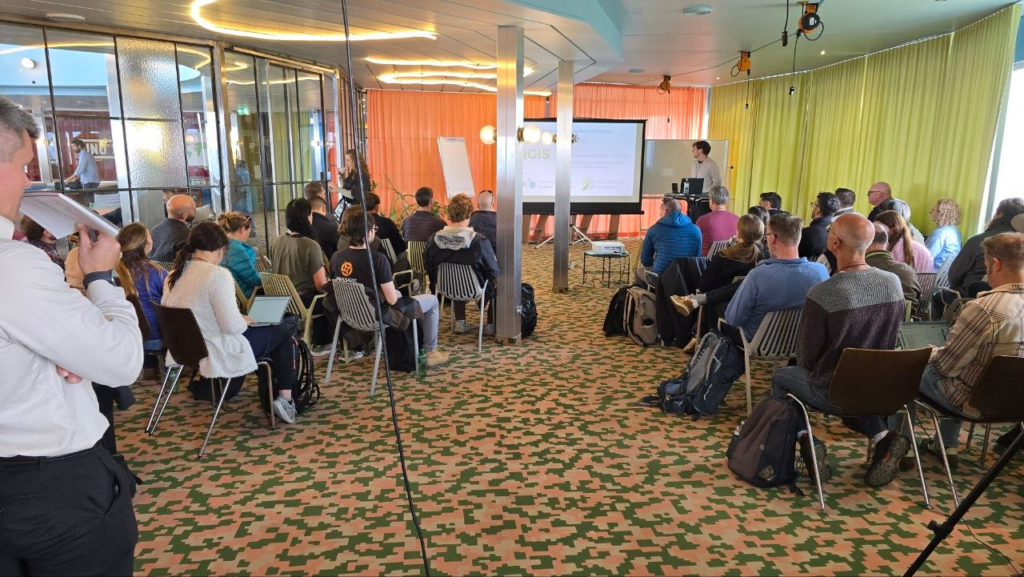
QGIS is an extremely powerful desktop GIS, but teamwork introduces a different set of challenges. As soon as several people start working with the same datasets and projects, teams need infrastructure for storing shared data, coordinating edits, managing access, tracking changes, and publishing results.
NextGIS Web provides this server-side layer while allowing users to continue working in the familiar QGIS environment.
During the presentation, we demonstrated how NextGIS Web and NextGIS Connect can be used together to build a collaborative GIS environment around QGIS.
The main idea is that teams do not need to replace their existing QGIS workflows to introduce collaboration. NextGIS shared server environment can extend QGIS with the infrastructure required for teamwork.
The next step was our 3.5-hour practical workshop:
The workshop attracted 27 participants from 11 countries, making it a particularly valuable opportunity to see how people with different GIS backgrounds approach collaborative workflows.
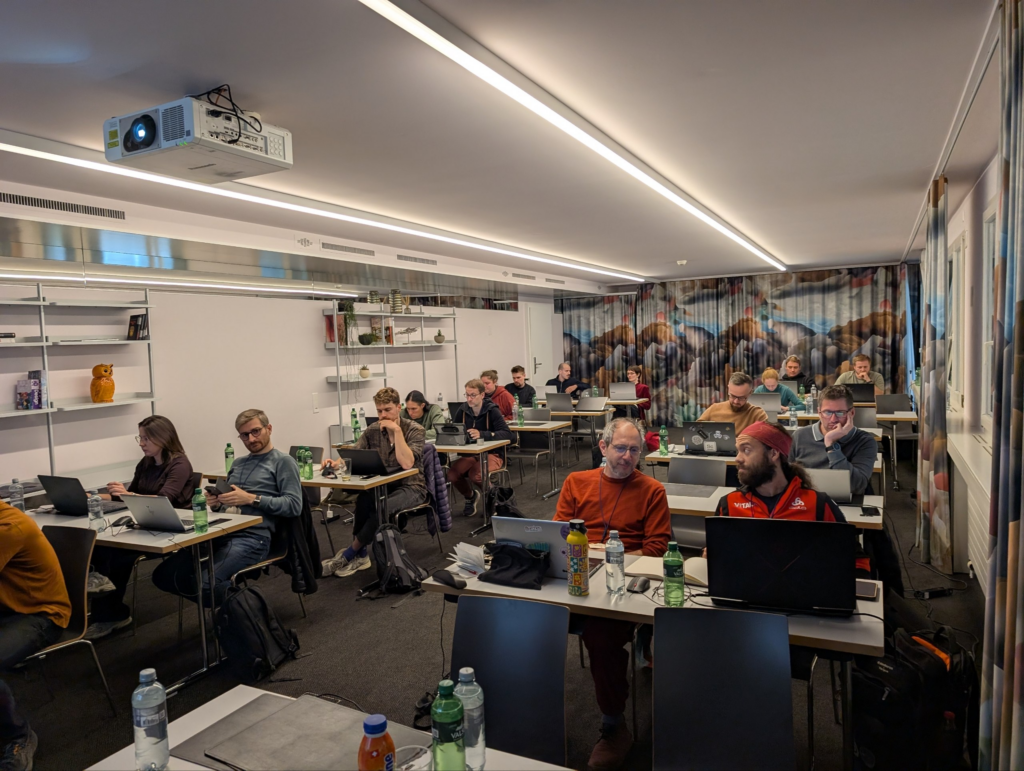
Participants worked through the process of building a QGIS Teamspace from the ground up.
We started with NextGIS Web itself. Participants could work with a locally deployed NextGIS Web Community Edition instance using Docker, a cloud instance, or our public NextGIS Web sandbox.
From there, we moved step by step through creating resources, uploading geospatial data, connecting QGIS to the server with NextGIS Connect, and organizing a shared workspace.
The second part of the workshop concentrated on collaborative editing.
Participants worked with shared datasets from QGIS, synchronized their changes with the server, explored version history, and tested workflows where multiple users edit the same data. This allowed us to move beyond a theoretical description of collaboration and work through the practical questions that appear in real GIS teams.
One of the most valuable outcomes of the workshop was the discussion around the workflows.
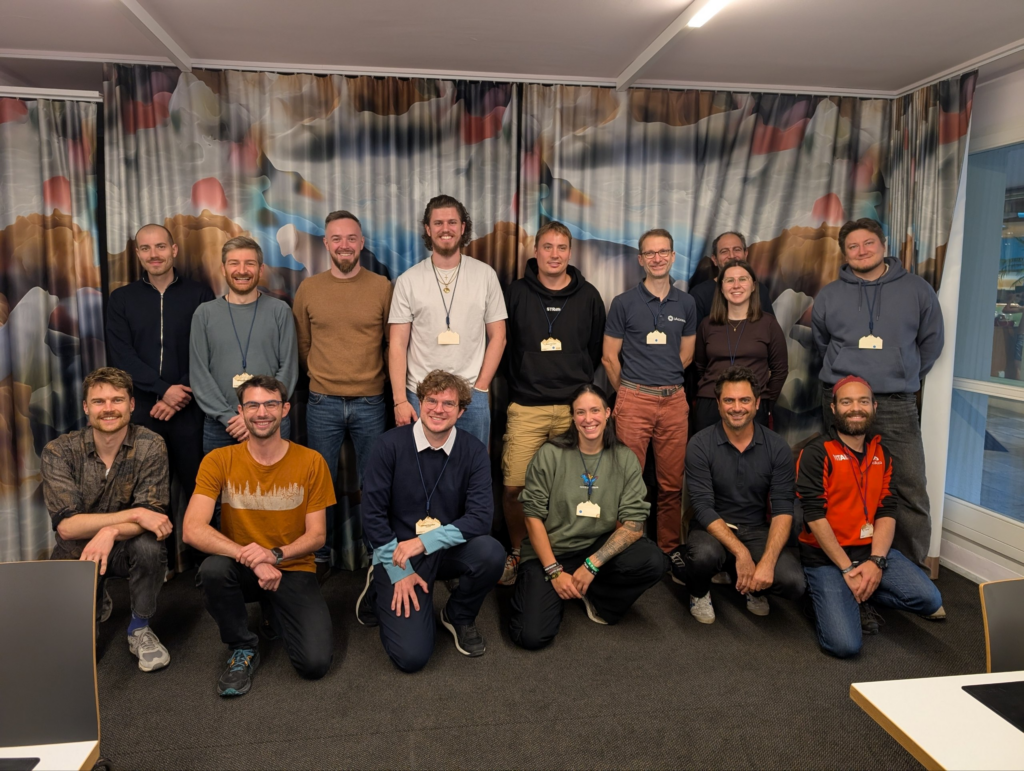
With participants coming from 11 different countries and representing different professional backgrounds, the workshop generated many practical questions about deployment, data organization, synchronization, permissions, versioning, and how collaborative GIS infrastructure can fit into existing organizational processes. That made the session particularly insightful and productive for us as well!
Hands-on workshops are an important reality check for software. They show which concepts are immediately clear, where users need additional explanation, and which workflows matter most when people start applying the tools to their own use cases.
Seeing 27 people independently deploy or connect to NextGIS Web, create shared resources, connect them to QGIS, and work through collaborative editing scenarios gave us valuable feedback on both the technology and the way we explain it.
Another important part of both sessions was demonstrating that collaborative QGIS infrastructure can remain open and self-hosted.
NextGIS Web Community Edition can be deployed on your own infrastructure and used together with QGIS and NextGIS Connect to create a shared GIS environment without moving away from open-source software.
At the same time, teams that do not want to maintain their own server can use NextGIS Web in the cloud.
This makes it possible to use essentially the same QGIS collaboration model in very different environments, from small research groups and university teams to consultancies and larger organizations.
If you would like to experiment with the workflows we demonstrated at QGIS User Conference 2026, there are several ways to start.
You can deploy NextGIS Web Community Edition locally using Docker, create a NextGIS Web Cloud instance, or use our public sandbox to explore NextGIS Web without installing anything.
Install the NextGIS Connect plugin in QGIS to connect your desktop GIS directly to the server and start working with shared resources.
The same basic workflow we used during the conference workshop can be reproduced by any QGIS user or team.
QGIS User Conference is always an opportunity to exchange ideas with people who build QGIS, teach it, extend it, and use it every day in very different parts of the world.
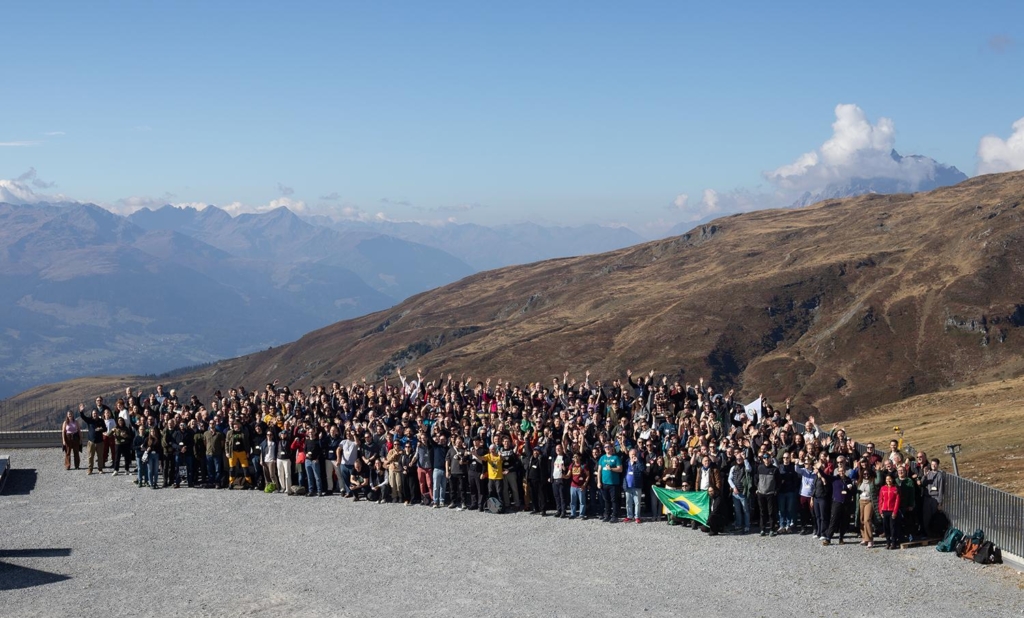
For us, QUC2026 was especially valuable because we had an opportunity to present our approach first and then test it together with users in a practical workshop.
We would like to thank the organizers, everyone who attended our talk, and especially the workshop participants who spent several hours building and experimenting with QGIS Teamspaces together with us.
We are coming away from LAAX with new ideas, useful feedback, and even more motivation to continue improving collaborative QGIS workflows with NextGIS Web!
P.S. You can also read day-by-day impressions of the conference on LinkedIn.


