


NextGIS Web:
Your Spatial Data Hub
Open-source Web GIS server for geospatial data management, Web Map publishing, and QGIS-centered collaborative workflows.

One central database for all your spatial resources
A comprehensive database for vector and raster geodata. Upload or create geospatial datasets and transform them into powerful databases, fully manageable through our web interface or API.
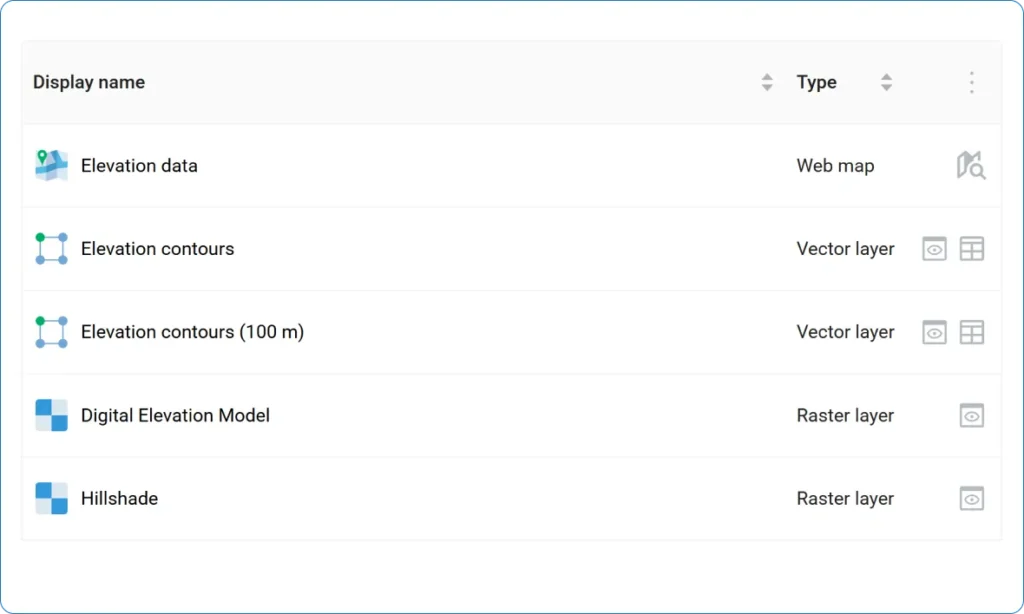

Edit data layers, services, and maps
A complete set of tools for working with maps, raster and vector layers, basemaps, services, and databases. Create, configure, and update your resources.
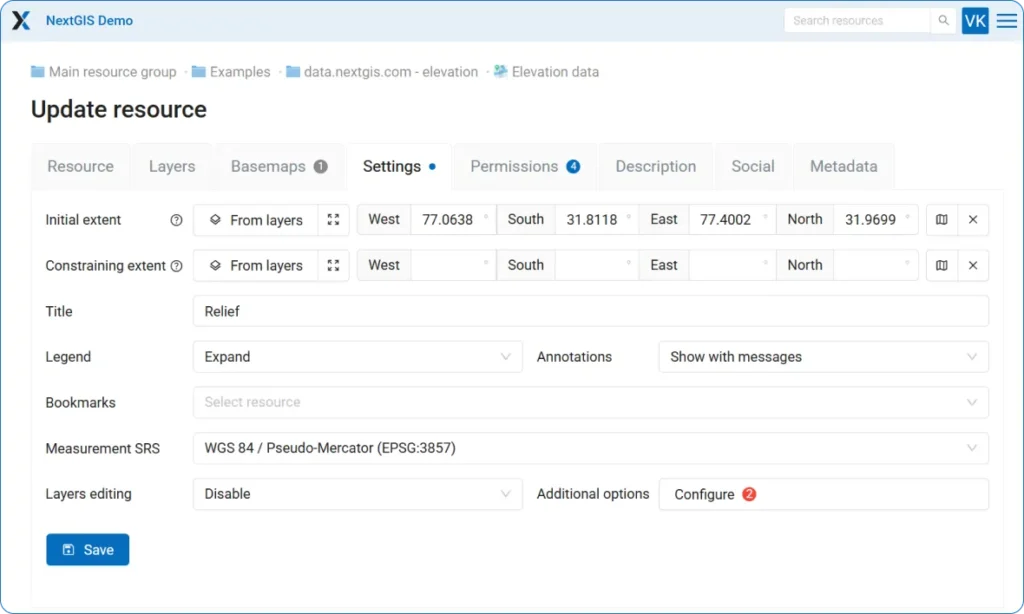

Publish as many Web Maps as needed
Create unlimited interactive Web Maps with our built-in engine. Visualize your data, edit features in real-time, and share maps instantly. From quick previews to detailed analytical maps – everything works seamlessly in your browser.
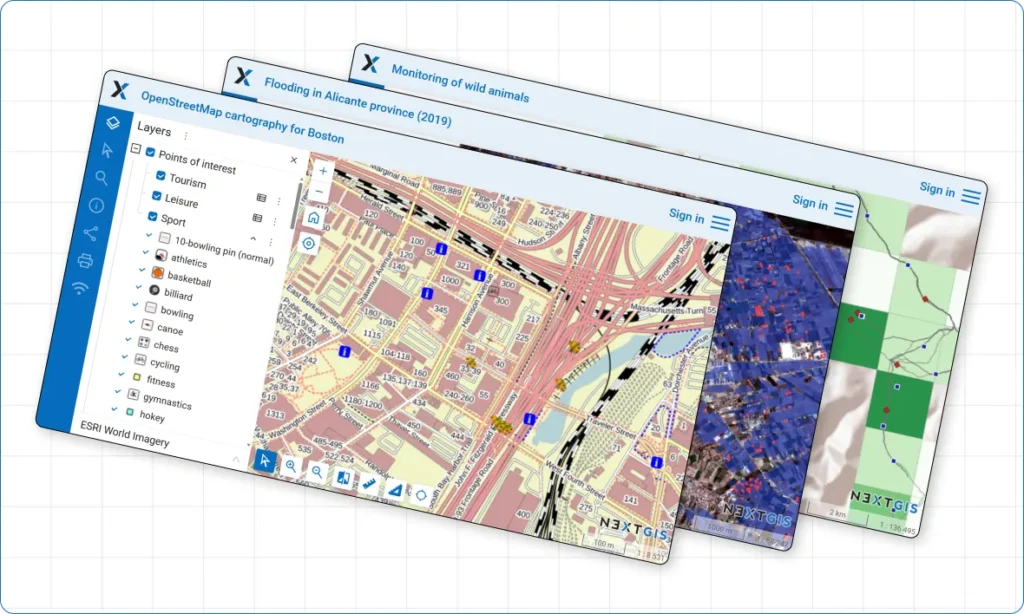

QGIS Teamspace
Multi-user real time collaboration is possible: enable true multi-user collaboration with QGIS data editing tools. Edit server data in real-time alongside your entire team.


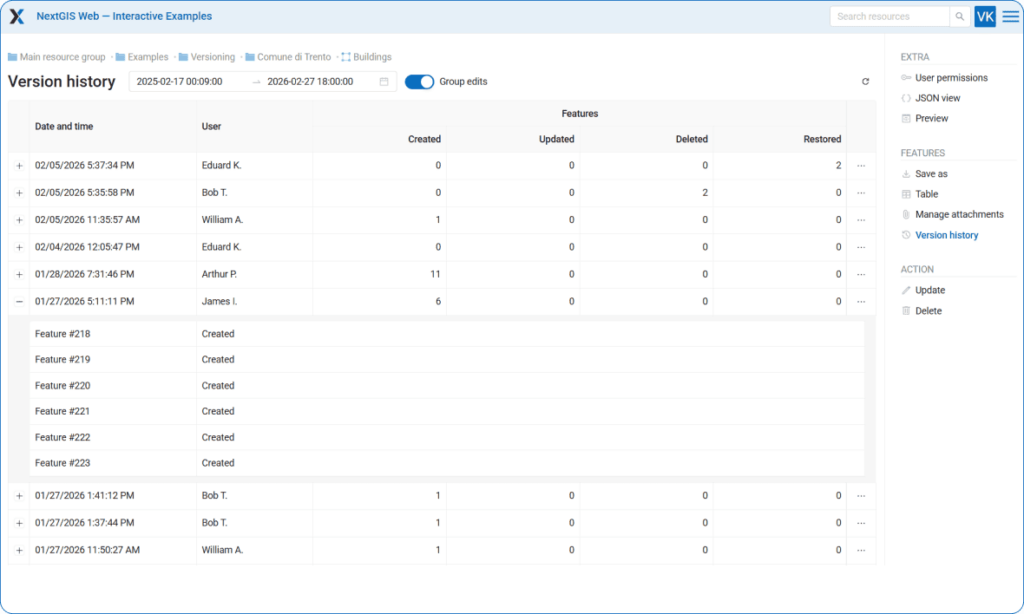
Built-in version control for vector data
Track and accumulate full history of vector features changes. Full control over who, when and how changed the data. Roll back erroneous changes and create snapshots of data at a specific point in time.

Provide access to your data in a variety of ways
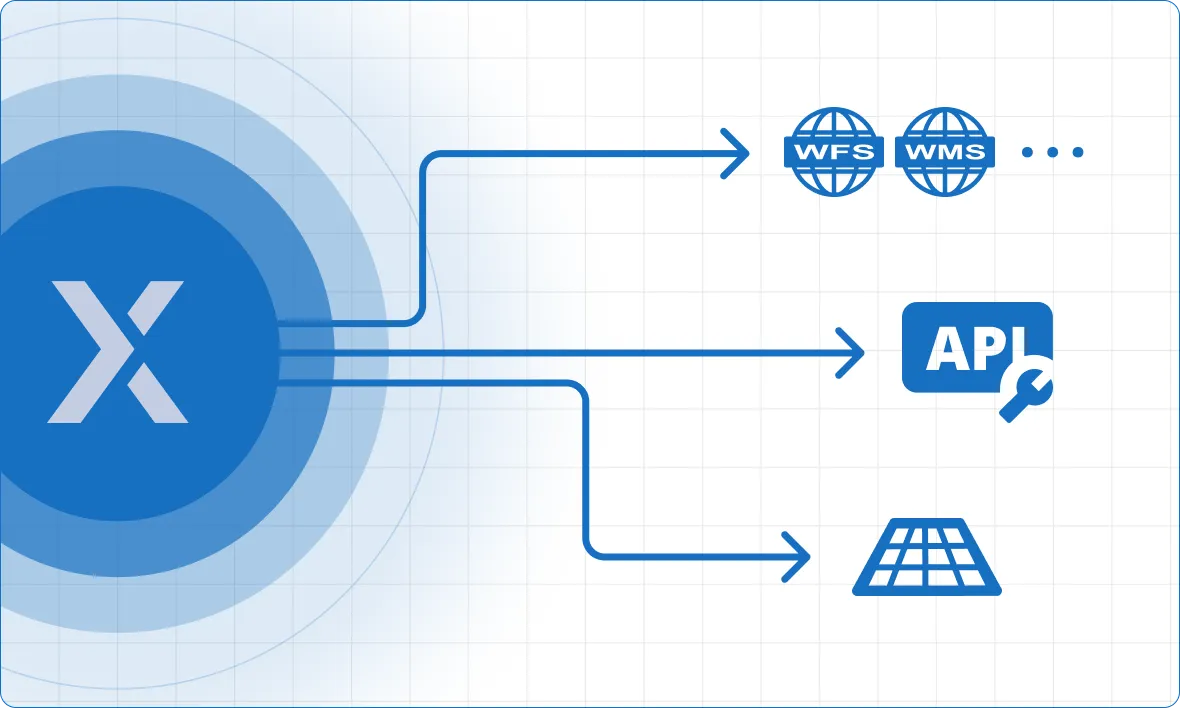
Your vector dataset can be accessed eight different ways when powered by NextGIS: raster and vector tiles, OGC services including WMS, WFS and OGC API – Features, REST API, and more.

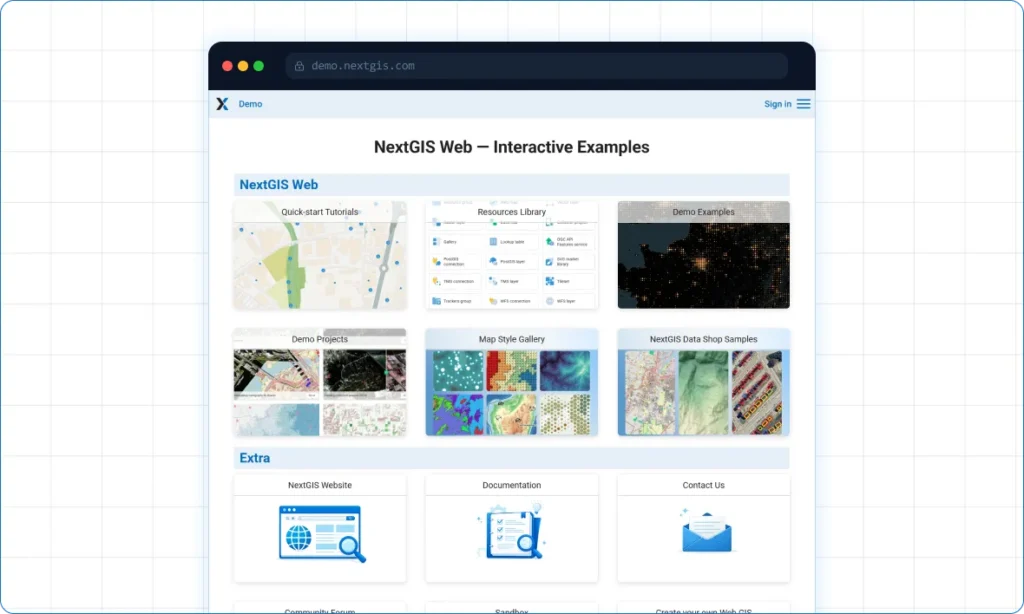
Showcase your maps
Create Galleries – landing pages where all key maps and resources are immediately accessible.

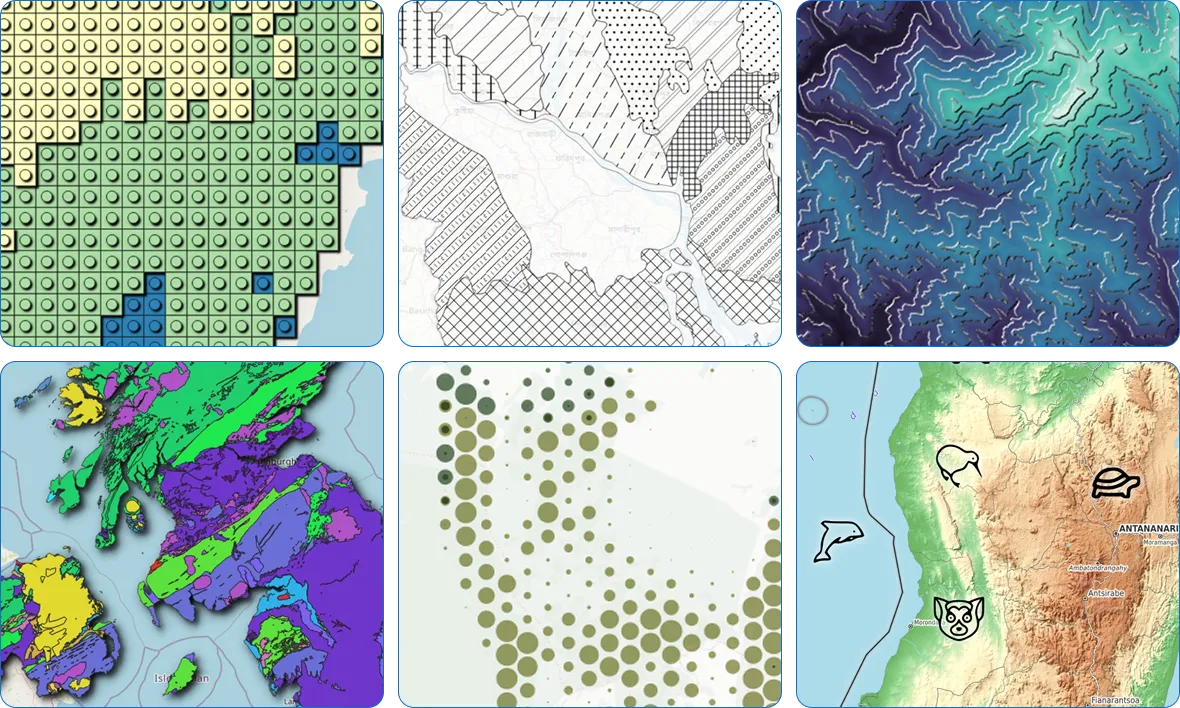
Unlimited map design options with QGIS styles integration
Everything you can set up in QGIS could be visualized on your Web Maps. Not magic, it is QGIS-driven rendering.

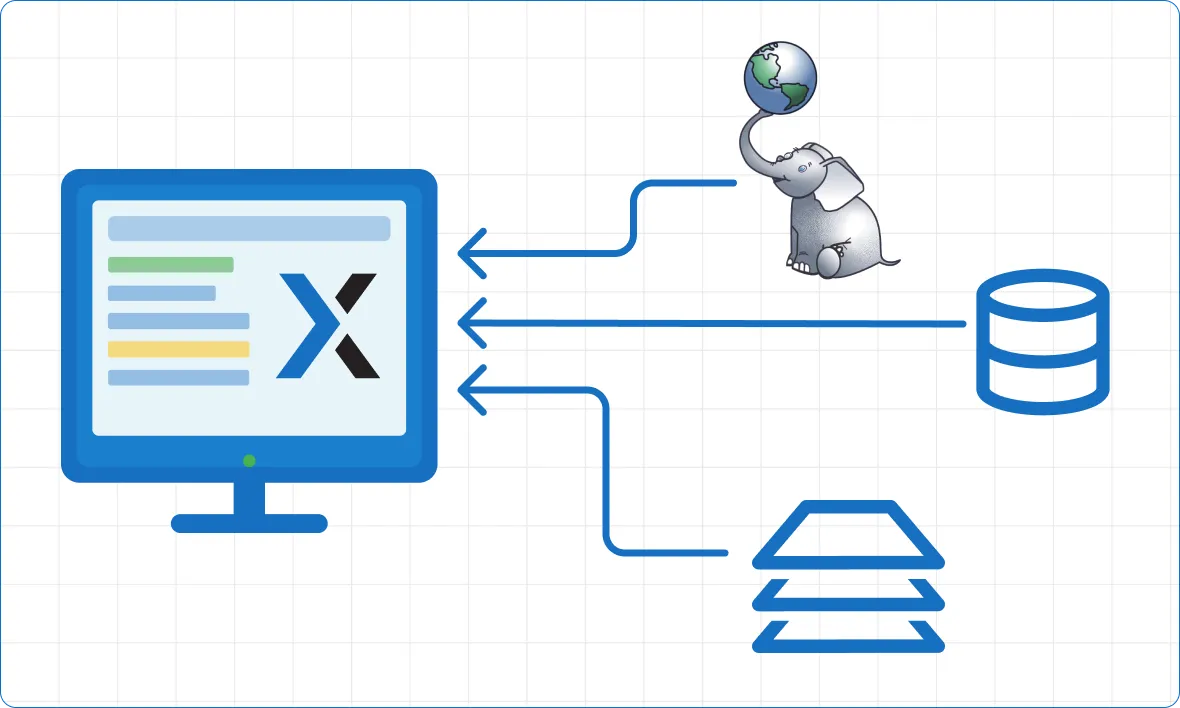
System Integration Capabilities
- Enterprise Databases – Native PostgreSQL support for high-performance spatial data storage.
- External WMS, WFS, TMS services – connect data from third-party Web GIS
- FIRMS Fire Monitoring – Pre-built integration for real-time fire data overlay.
- Custom Development – Comprehensive REST API documentation enables integration with any other enterprise software.

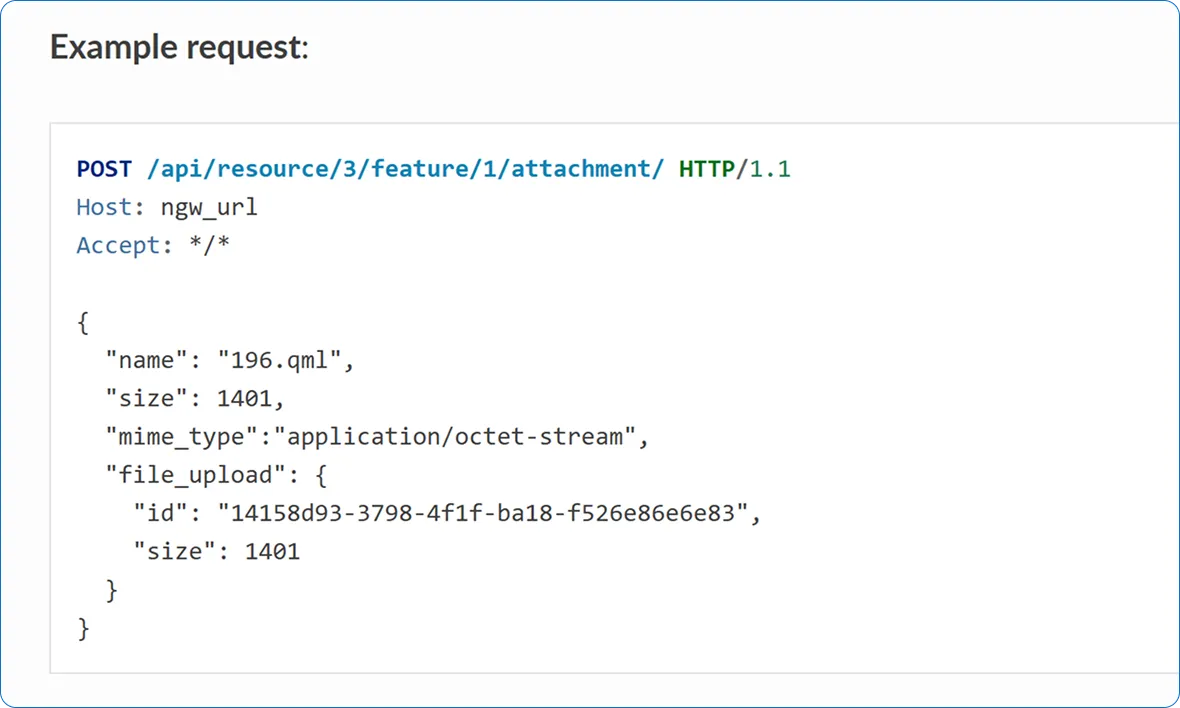
Powerful API for integration with other systems
Built for developers and system integrators. Use our REST API to automate workflows and connect with enterprise systems. Build custom web applications with our JavaScript libraries, or embed interactive maps directly into your existing platforms. Full documentation and code examples included.

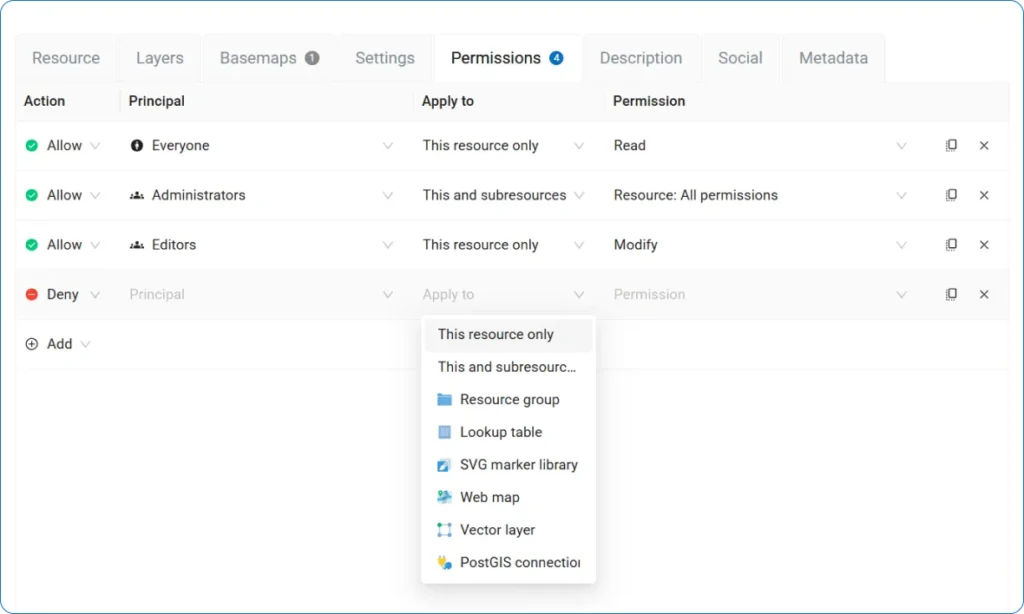
Control access with flexible permissions
Secure your data with granular access control. Create user groups, assign roles, and set unique permissions for every layer, service, or map. Whether you need to share data publicly, restrict access to specific teams, or give read-only access to stakeholders – you have complete control.

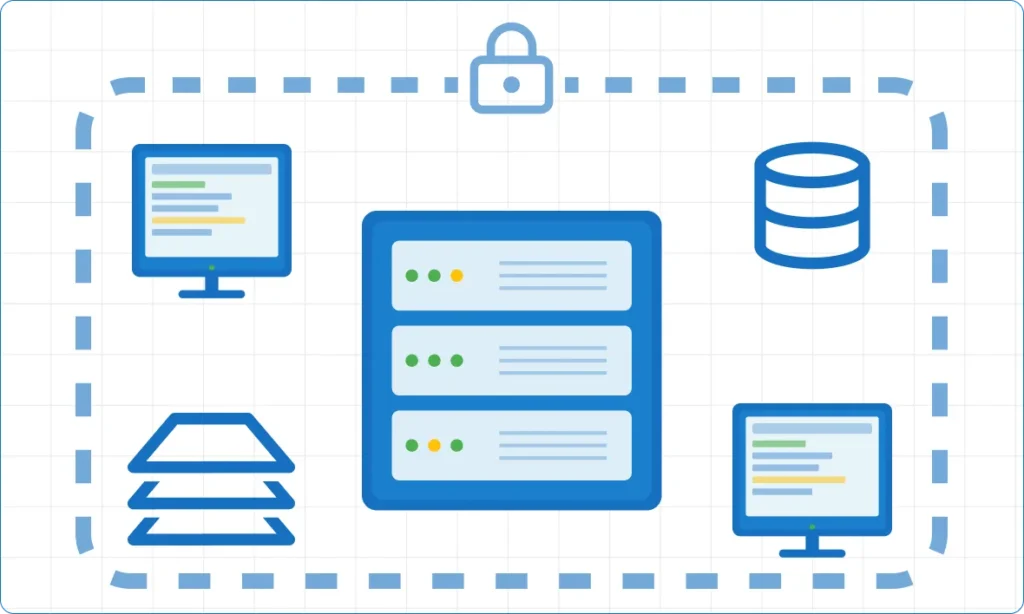
Enterprise Data Security
Keep sensitive geospatial data within your infrastructure. Deploy on your Linux servers with complete control over access, backups, and compliance requirements.

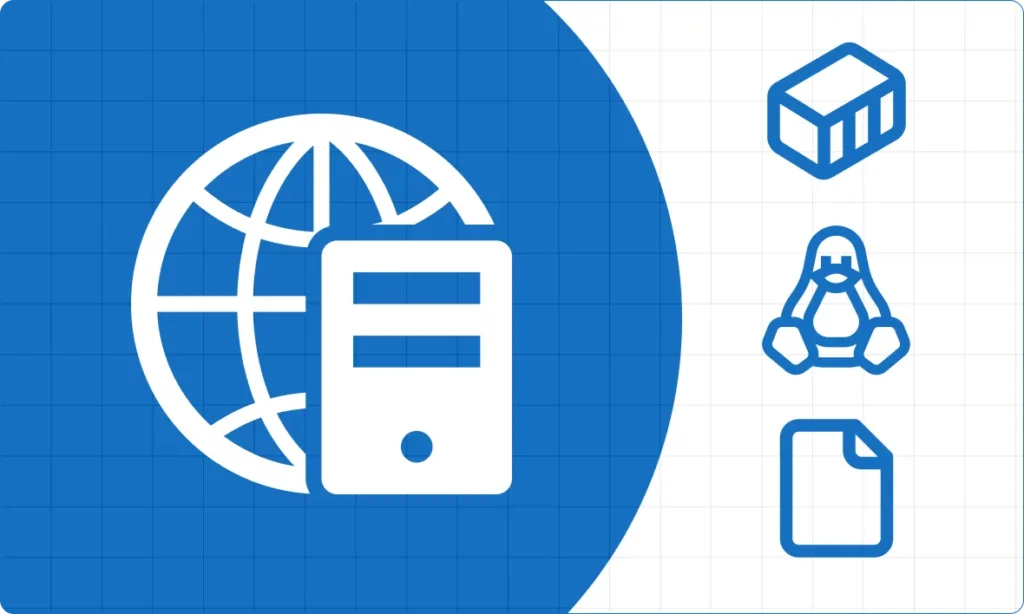
Easy Deployment and Maintenance
- Cloud. Choice of server locations, including the EU, US and Asia.
- On-premise. Containerized deployment via Docker. Supports modern server OS.
Built for every role in your organization
GIS Managers
Organize and oversee all your organization’s spatial data in one place. Enable team collaboration and data security by managing access permissions and workflows. Ensure data quality with version control and metadata management.
Developers
Build custom applications with our comprehensive API and JavaScript SDK. Automate data workflows, integrate with enterprise systems, and create interactive Web Maps tailored to your needs.
IT Administrators
Deploy with confidence on cloud or on-premise infrastructure. Enjoy straightforward setup, reliable performance, and flexible architecture that scales with your organization.
Field Teams
Edit data directly on Web Maps from any device. Update information in real-time, collaborate with office staff, and work efficiently whether you’re online or preparing for offline work.
Decision Makers
Access spatial insights through intuitive Web Maps. Make data-driven decisions without technical barriers, and share findings easily with stakeholders across your organization.
Detailed Guides
Step-by-step visual guides for quick start: how to create a free account, upload raster and vector data, and publish Web Maps.
Get Started
Compare NextGIS Web with:
GeoServer | QGIS Server | MapServer | MapStore