


QGIS Teamspace
Enterprise-grade QGIS collaboration tools for you and your team

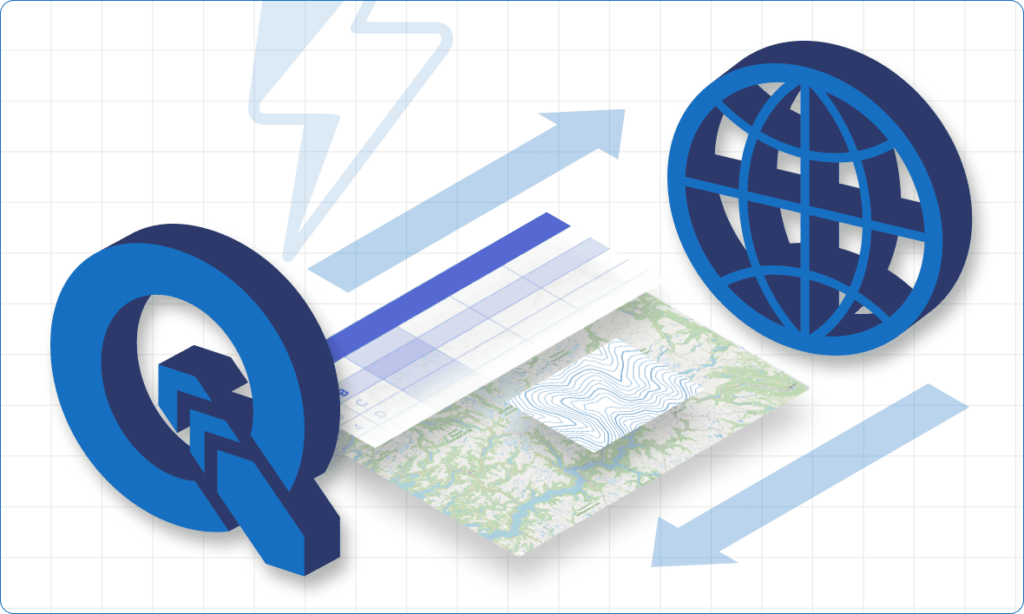
Publish QGIS projects as Web Maps in one click
Easily transfer your local project data to the web, including vector and raster layers, connected tile services, PostGIS connections, and more.
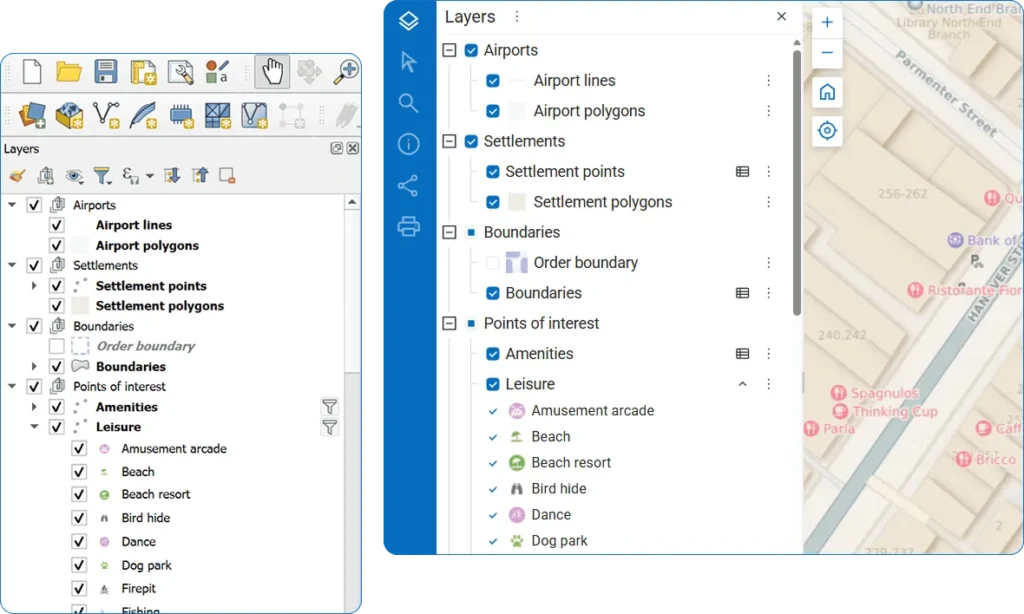

Sync layers instantly
All your edits sync automatically between Web Maps and all connected QGIS instances.

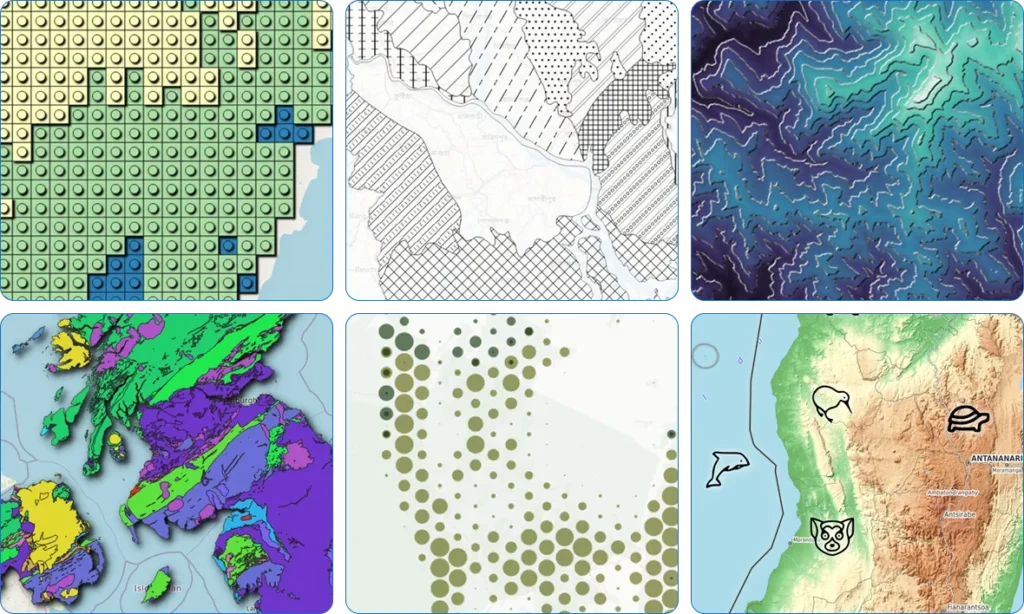
Full QGIS style support
Use the full power of QGIS styling to create Web Maps of your dreams. No middleware or compatibility layers – we use QGIS as our map renderer.

Multi-user real time collaboration
Enable true multi-user collaboration with QGIS data editing tools. Edit server data in real-time alongside your entire team.

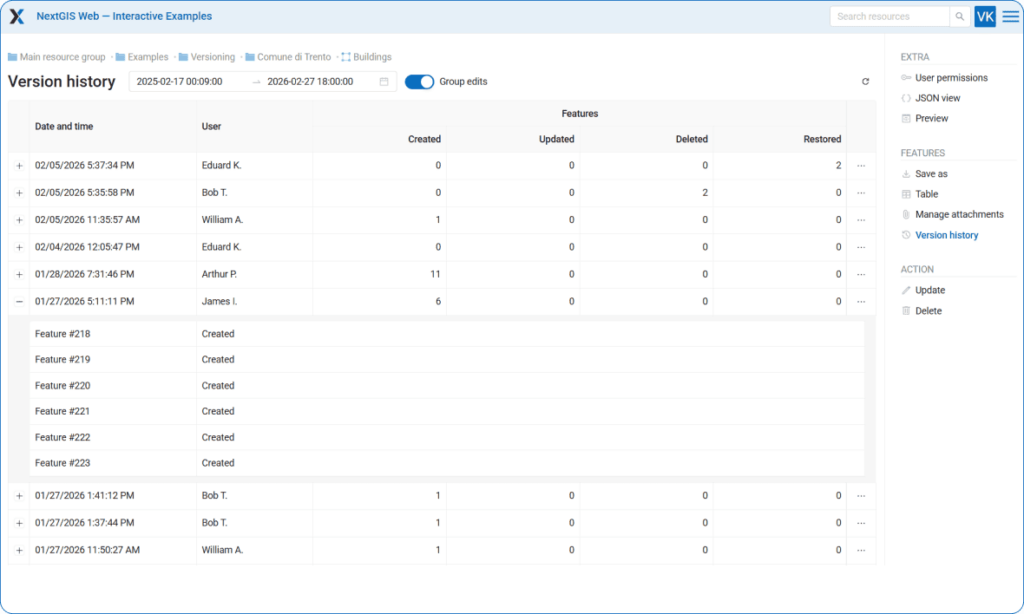
Track your data history
Track and accumulate the complete history of vector feature changes. Maintain full control over who changed the data, when, and how.

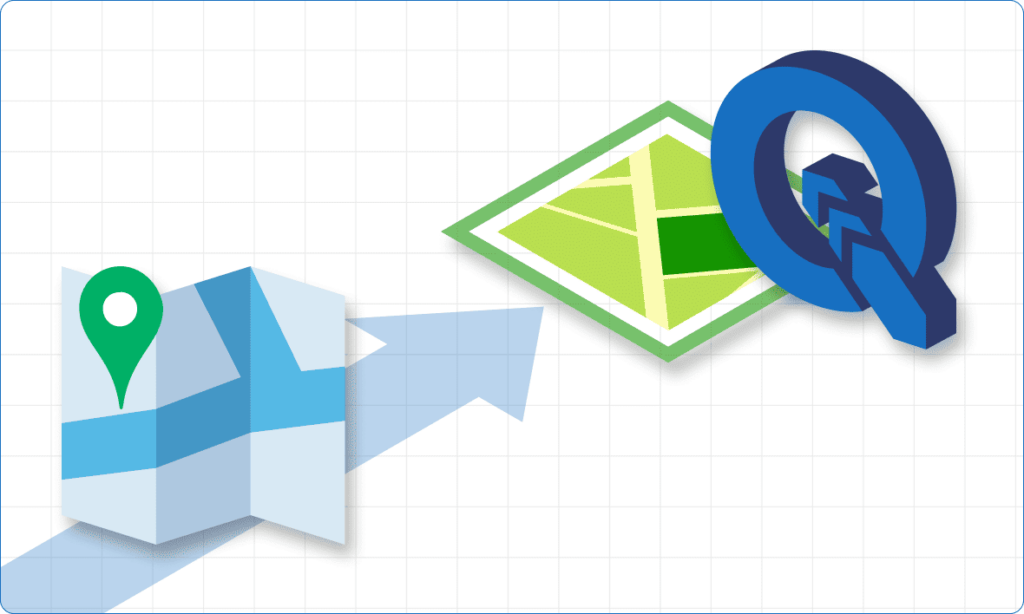
Turn Web Maps to QGIS projects
Deploy QGIS projects from web storage to any location in minutes.

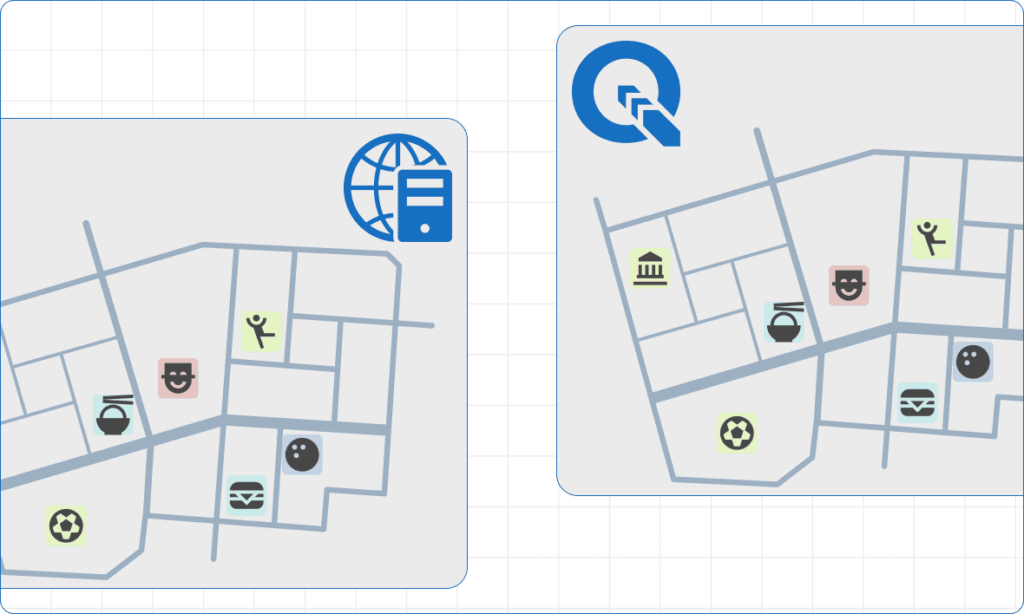
Quickly update Web Map styles from QGIS
Designed a new style? Update all related maps in a couple of clicks from QGIS.
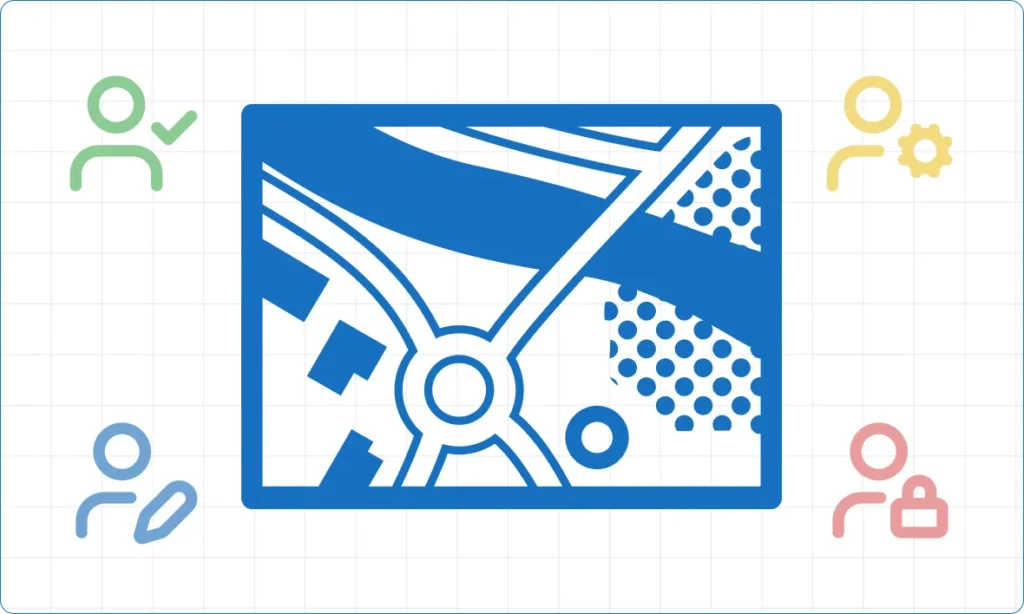
Built for every role in your organization
Editors
Update, refine, and maintain your organization’s spatial data with precision. Work directly with server‑side layers, apply changes in real time, and collaborate seamlessly with teammates. Keep datasets accurate and up to date through streamlined editing workflows.
Analysts
Explore, interpret, and visualize spatial data to support informed decision‑making. Combine datasets, apply advanced styling, and build meaningful maps and analyses in QGIS. Turn raw geodata into insights that drive projects and strategy.
GIS Managers
Organize and oversee all your organization’s spatial data in one place. Enable team collaboration and data security by managing access permissions and workflows. Ensure data quality with version control and metadata management.
Detailed Guides
Step‑by‑step visual instructions to help you get started quickly: create a free account and publish your QGIS project!