
NextGIS will take part in the QGIS User Conference 2026 in Laax, Switzerland, with a conference talk and an extended hands-on workshop focused on collaborative workflows for QGIS teams.
The main conference will take place on October 5-6, followed by a dedicated workshop day on October 7. The event brings together QGIS users, developers, organizations, and contributors from around the world to share practical experience, explore new developments, and discuss the future of the QGIS ecosystem.
For NextGIS, this is an opportunity to demonstrate how QGIS can become part of a shared production environment, one in which teams can publish projects, work with common datasets, edit data simultaneously, manage access, and track every change without leaving the open-source ecosystem.
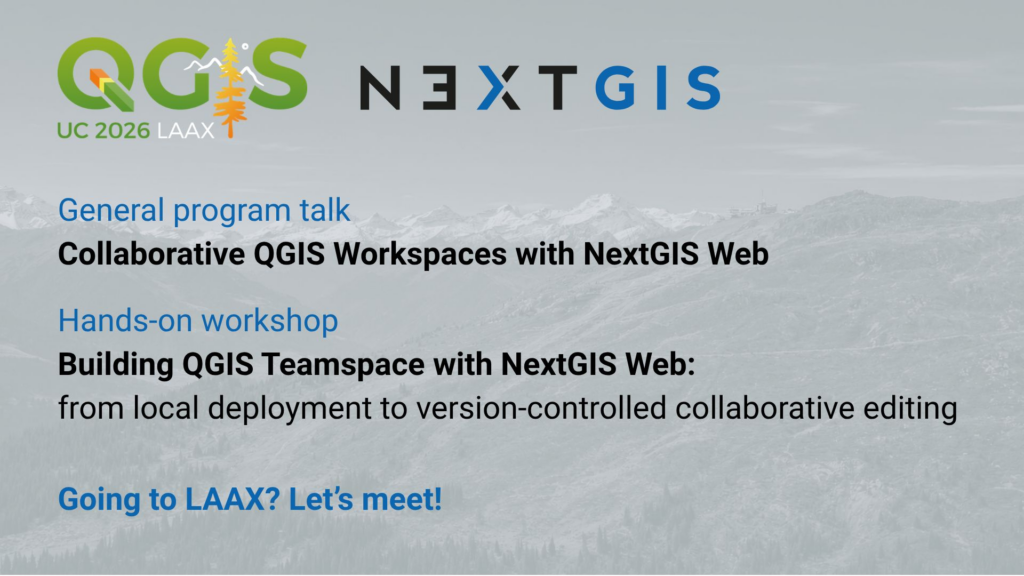
Monday, October 5, 4:00 PM | Bridge 2
Speaker: Eduard Kazakov
QGIS is a powerful environment for individual geospatial analysis, editing, and cartography. Building an efficient workflow for a whole team, however, introduces additional challenges: where to store shared data, how to synchronize desktop and web environments, what happens when several people edit the same feature, and how to track or reverse changes.
The conference talk, “Collaborative QGIS Workspaces with NextGIS Web”, will present an open-source approach to solving these challenges with NextGIS Web and NextGIS Connect.
NextGIS Web serves as a central hub for storing, managing, and publishing geospatial data and web maps. Its close integration with QGIS makes it possible to:
During the talk, we will demonstrate how these components work together in practice: from publishing and synchronizing a project to simultaneous multi-user editing and reviewing the complete history of data changes.
Wednesday, October 7, 2:00–5:30 PM | WS – Riders Club 2, Laax Murschetg
Instructors: Eduard Kazakov and Aleksei Novikov
The 3.5-hour hands-on workshop, “Building QGIS Teamspace with NextGIS Web: from local deployment to version-controlled collaborative editing”, will take participants through the complete workflow: from an empty environment to a functioning collaborative QGIS workspace.
Participants will deploy their own local NextGIS Web instance using Docker, perform the initial configuration, and create the foundation for teamwork. We will then connect QGIS through the NextGIS Connect plugin, publish a project as a web map, and work with shared server-hosted data from several QGIS installations.
The practical program will cover:
By the end of the workshop, participants will have built a complete QGIS Teamspace themselves and experienced the workflow from both the administrator’s and the GIS user’s perspectives.
To participate fully, attendees should bring a laptop with QGIS Desktop and Docker Engine installed. Basic QGIS experience is expected; prior Docker experience is helpful but not required. If local Docker deployment is not possible, cloud instances can be provided.
For many organizations, QGIS is already the primary desktop environment for professional geospatial work. The next step is to make it equally effective for teams, without replacing familiar tools or moving data into a closed ecosystem.
NextGIS Web and NextGIS Connect combine desktop GIS, Web GIS, access management, and vector data version control in a single open-source workflow. This enables organizations to move from isolated project files and manual data exchange to a managed workspace where people can collaborate on the same datasets and clearly understand who changed what and when.
We look forward to presenting this approach in Laax, discussing real collaboration challenges with the QGIS community, and building a working QGIS Teamspace together during the workshop.
See you at QGIS User Conference 2026!
Contact Eduard if you’re attending the conference and would like to meet!
Learn more:


