
Our FOSS4G 2026 workshop has just finished, and it was a great experience. Many thanks to all participants for your attention, input, hands-on involvement, and insightful questions throughout the session.
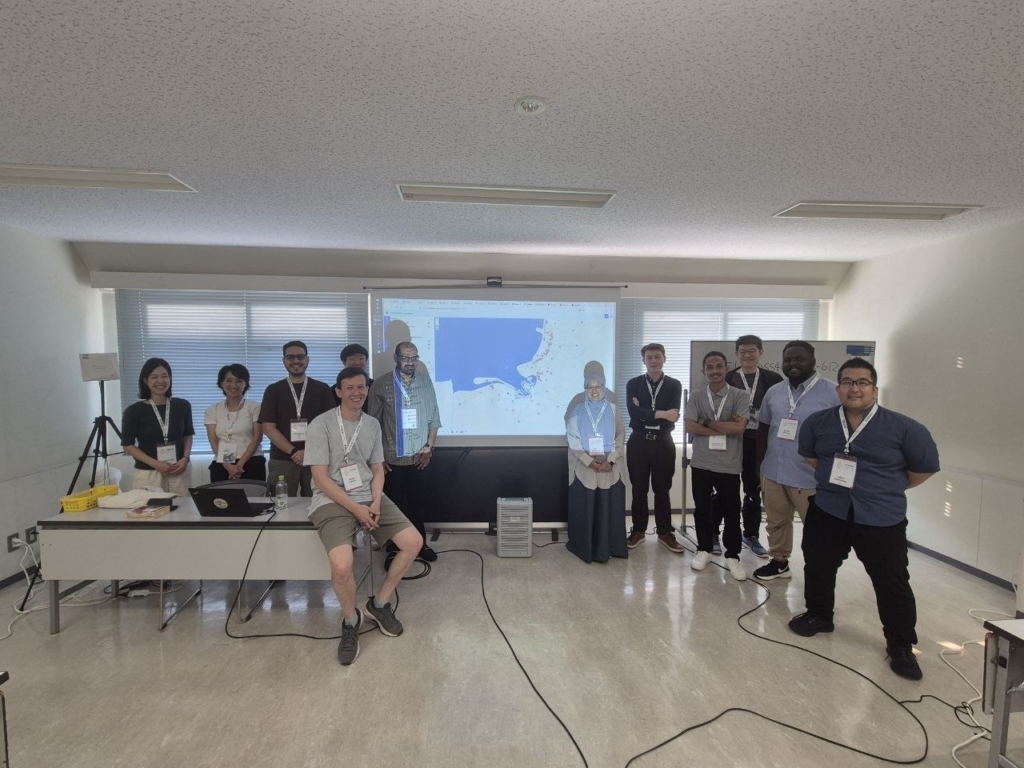
During the workshop, we walked through a complete NextGIS Web workflow, starting with deploying a local instance and ending with publishing data, creating web maps, and setting up collaborative workflows with QGIS.
We started by deploying NextGIS Web locally using Docker and performing the initial configuration. From there, we moved to practical data management tasks: uploading spatial data through the web interface and from QGIS, organizing resources, configuring layers, and preparing them for publication.
We then created web maps and explored how NextGIS Web can be used to publish and share spatial data through the browser. We also looked at standard geospatial services and ways to make published resources available to other GIS applications.
The final part of the workshop focused on QGIS collaboration. Participants worked with NextGIS Web as a shared environment for QGIS projects and spatial data, covering practical multi-user workflows such as collaborative editing, synchronization, version control, and coordination between team members.
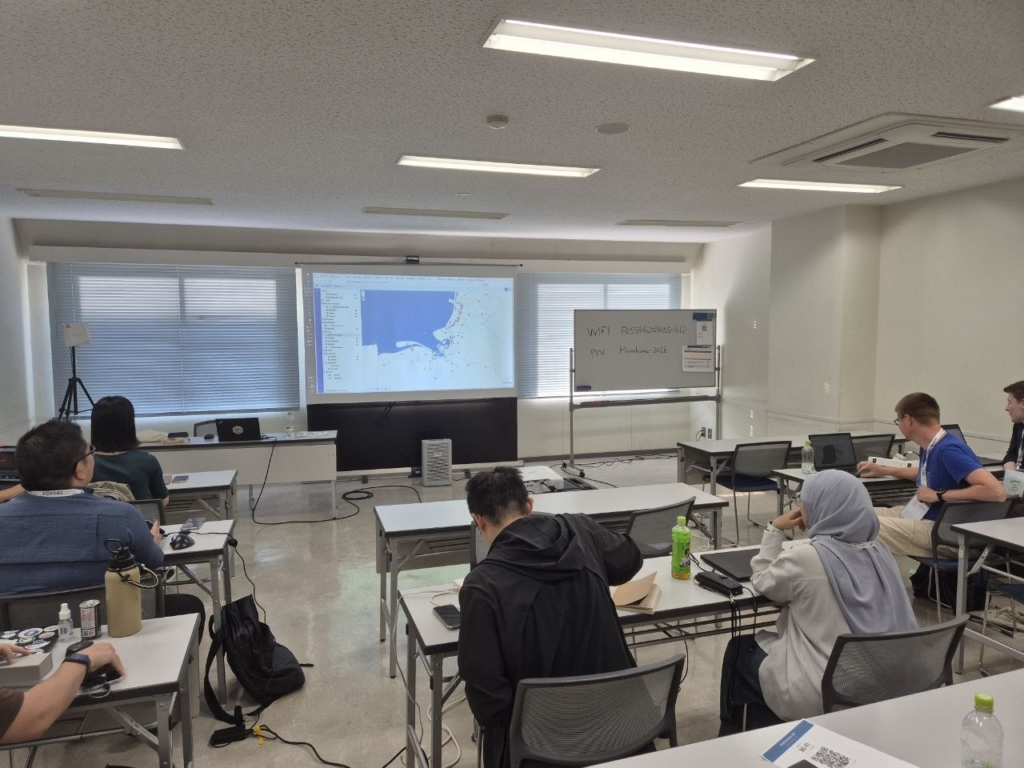
The goal was to demonstrate the complete path from a freshly deployed server to a working Web GIS and QGIS collaboration environment, and, most importantly, to let participants try every step themselves.
All workshop materials are publicly available. The archive includes the presentation, a practical cheat sheet, and the data samples used during the session: https://nextgis.com/foss4g2026_ngw.zip
Feel free to download the materials and reproduce the workshop workflow on your own NextGIS Web instance!
Learn more:


