

This month we’re covering real-time QGIS collaboration, two cheat sheets on cloud-native formats for QGIS 4, a telecom case study, and a hands-on MOLUSCE webinar on April 14.
This is the first issue of What’s Next. We built it to be short, specific, and worth your time: what we shipped, what’s worth reading, and what you can try today. Let us know if you like the format!
Eduard Kazakov
Head of International Business Development
LinkedIn Profile
QGIS is a powerful GIS tool, but standard setups break down when more than one person works on the same data. Watch how you can easily connect it to an open-source server layer, providing permissions management, centralized storage, web publishing, mobile sync, and version control.
YouTube video | Read the article
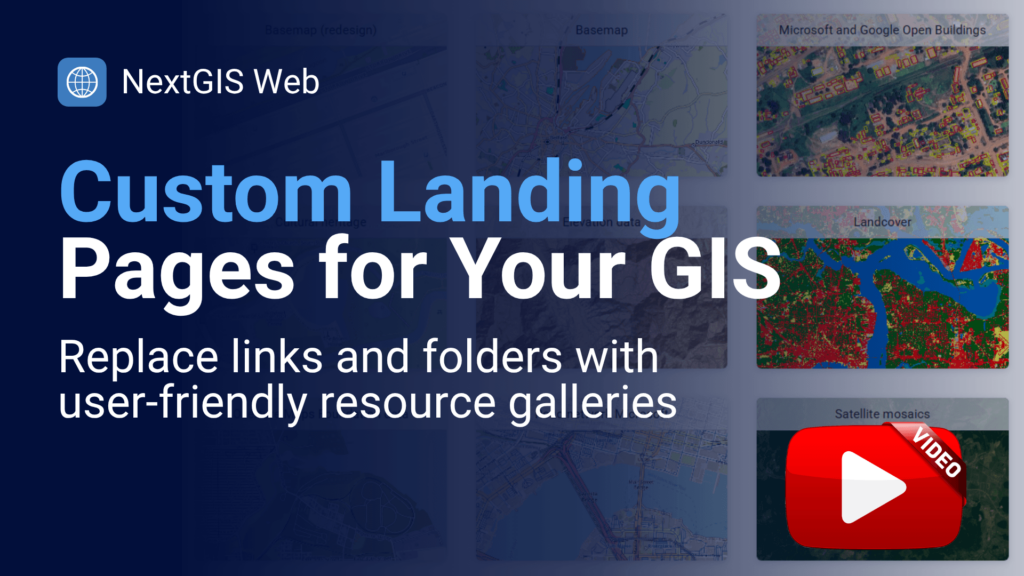
We built this functionality for ourselves and can now share it with you. Use a single link to present a curated set of maps and resources to a team or a client. If you’ve ever sent five separate map URLs for one project, this is the fix. Available for all subscription tiers, including free.
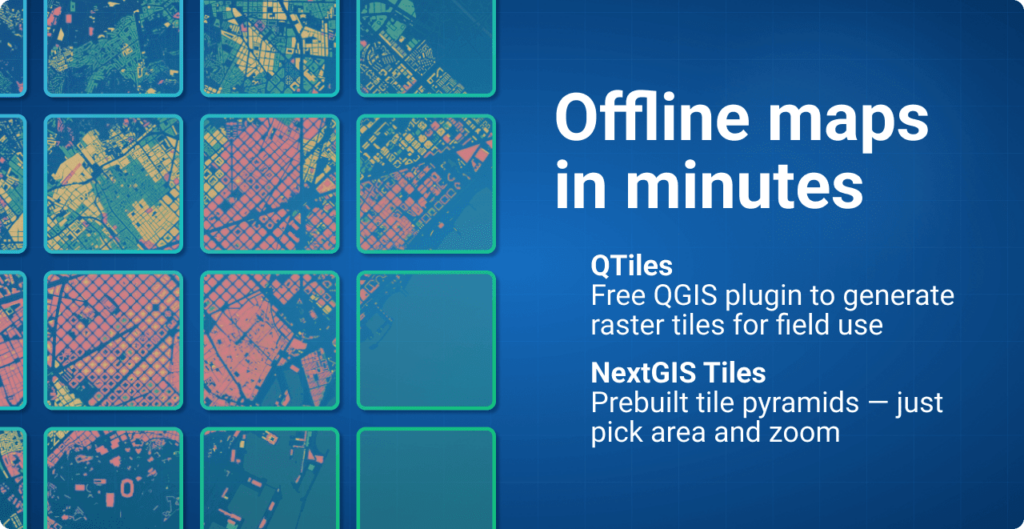
If you’re preparing for offline field deployment and need a set of tiles developed to your specification, we have two suggestions.
QTiles generates a raster tileset from any QGIS project for the zoom levels you specify – ready to export as MBTiles, PMTiles, or a NextGIS Mobile package. Version 2.0 adds PMTiles support, new extent tools, and full QGIS 4 compatibility.
Get QTiles | QTiles documentation
If you don’t have the source data or time to generate tiles yourself, NextGIS Data lets you order pre-built tile packages for any custom area. Select your region and zoom range and receive a ready-to-deploy tileset.
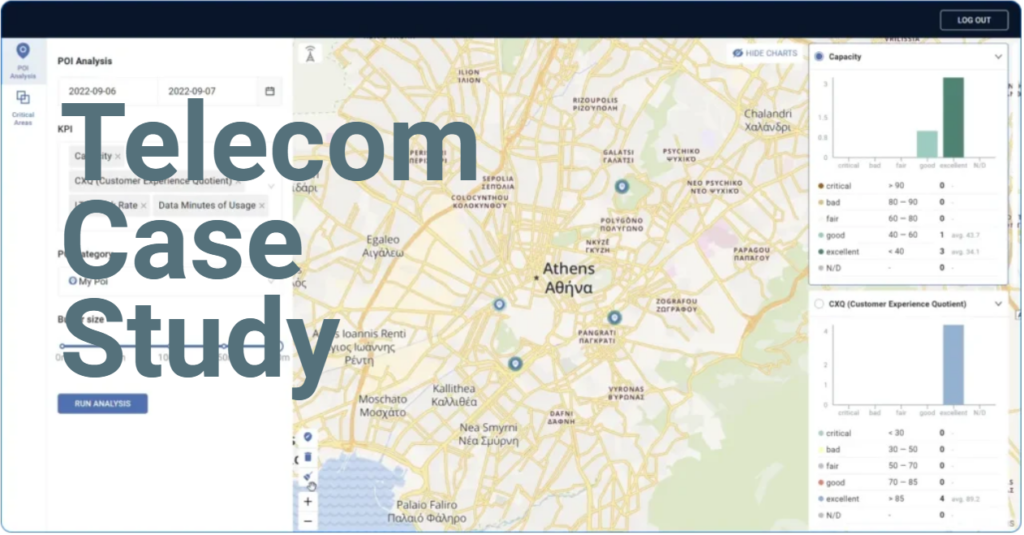
Network engineers have data. Sales teams and executives need decisions. We built Connect Force for a global telecom equipment vendor to bridge that gap – POI-based analysis, competitive comparisons, and shareable reports, all on a map.
Now that QGIS 4.0 is out, we have launched a series of cheat sheets on cloud-native formats – the formats that let QGIS work with large datasets directly from cloud storage without preprocessing or full-file downloads. Each PDF cheat sheet comes with sample data for practice.
COG is the format that lets QGIS fetch only the portion of a raster it needs via HTTP range requests – no more downloading multi-gigabyte files to view a subset.
Download cheat sheet | Download sample data
FlatGeobuf does the same for vector data – a binary format with a built-in spatial index that supports streaming and HTTP range requests, significantly faster than Shapefile and GeoPackage for large datasets.
Download cheat sheet | Download sample data
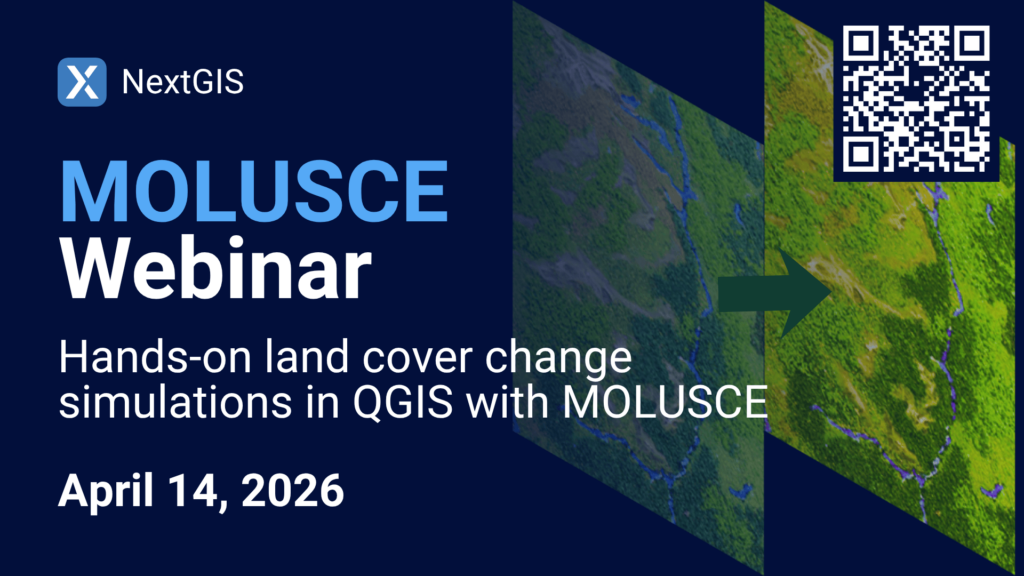
MOLUSCE (Modules for Land Use Change Simulations) is an open-source land cover change analysis module for QGIS, developed by NextGIS. Join us for a live walkthrough of the complete MOLUSCE workflow: data preparation, model calibration, simulation, and validation, with a focus on the latest updates to the plugin.
Are you running field data collection projects this season? Reply and tell us what you’re mapping.


