
QuickMapServices (QMS) is an open catalog of geospatial services – basemaps, satellite imagery, government mapping layers, and more – accessible through QGIS, NextGIS Web, NextGIS Mobile, and a public API.
When you open a new GIS project, the first thing you usually need is context, a basemap that helps orient your data in the real world.
For millions of QGIS users, the fastest way to do that is QuickMapServices.
Developed by NextGIS, the QuickMapServices (QMS) plugin allows you to search and add basemaps and geospatial web services directly inside QGIS. What once started as a tool to simplify tile configuration has grown into one of the most widely used plugins in the QGIS ecosystem, with more than 10 million downloads.
And it continues to evolve.
Before QuickMapServices existed, adding external map services in QGIS often required:
Even experienced GIS professionals found this workflow unnecessarily complex.
QuickMapServices changed that by introducing a simple idea:
A searchable catalog of geospatial services available directly inside QGIS.
Instead of configuring services manually, users could simply search for a map and add it instantly.
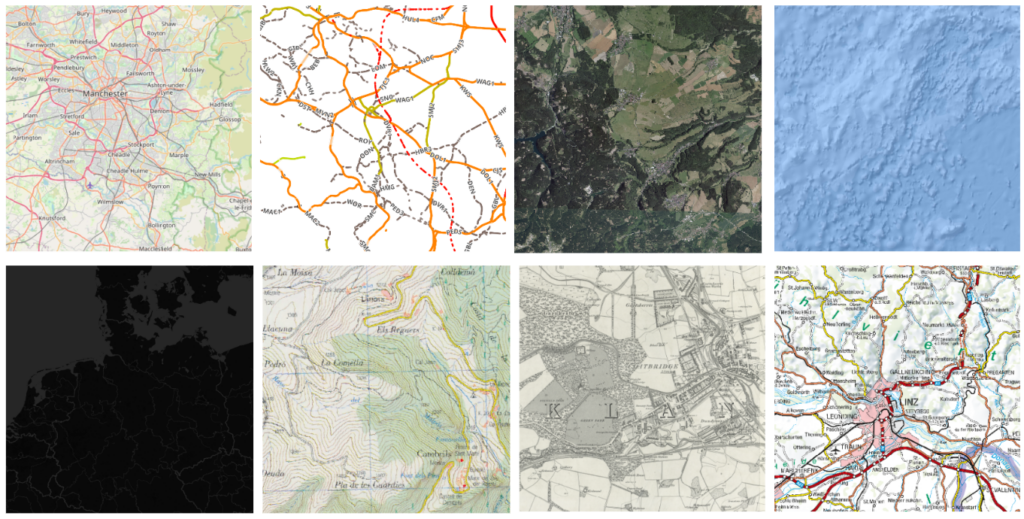
Today QuickMapServices provides access to more than 650 publicly available geospatial services, including:
Adding any of these to your project takes just a few clicks.
Behind the plugin is the QMS catalog, a public database of geospatial services available at qms.nextgis.com.
The catalog allows users to:
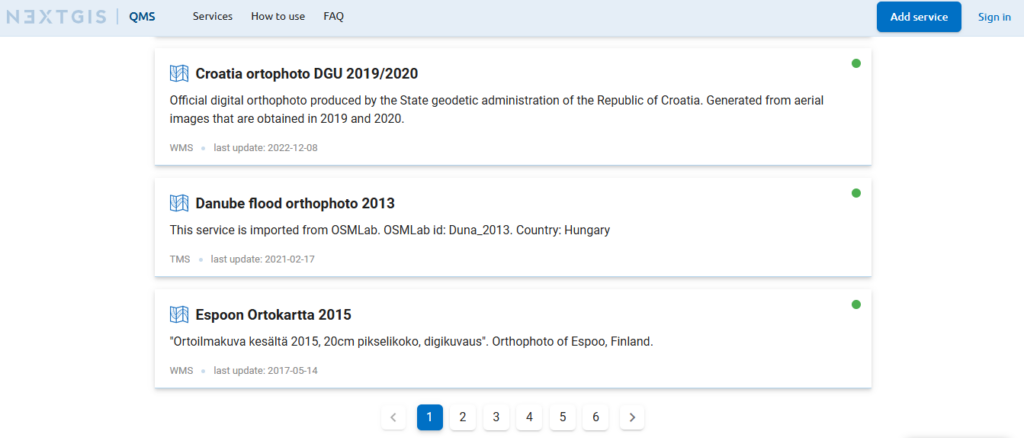
This architecture means the plugin itself stays lightweight while the catalog continues to grow and evolve. This also means that the QuickMapServices catalog can be made accessible in other apps via an API.
Because the catalog is community-driven, the number and variety of available services keeps expanding.
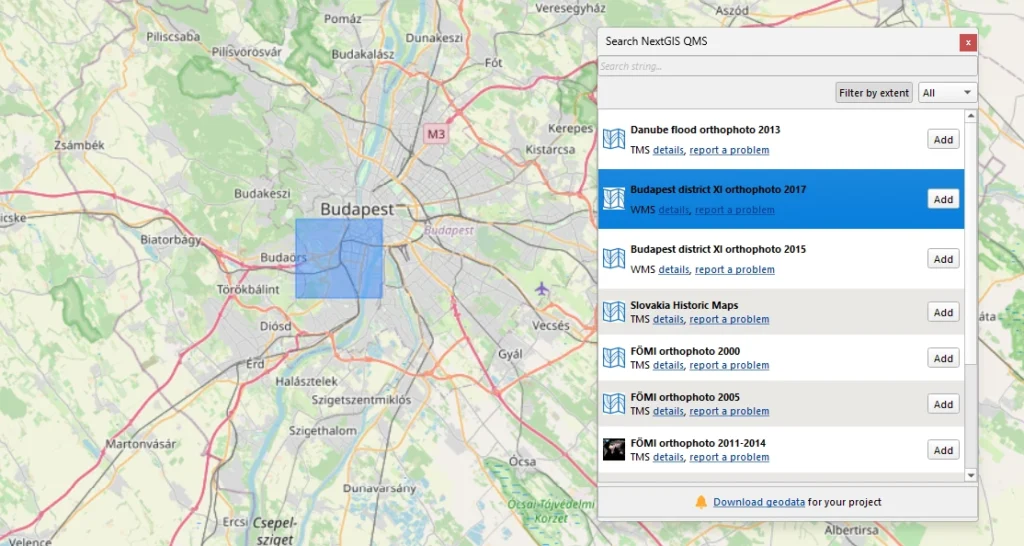
Using QuickMapServices in QGIS is straightforward:
Within seconds, the selected service appears as a layer in your map.

Yes. QuickMapServices is free and open-source. The QGIS plugin, the service catalog, and the API are all free to use. No account is required to add services to your project.
NextGIS hosts the QuickMapServices catalog and maintains the QuickMapServices plugin for QGIS. Services in the catalog are submitted by users. NextGIS is the #1 contributor to QGIS plugins worldwide.
Absolutely! In addition to QGIS, the catalog is available in NextGIS Web, NextGIS Mobile and can be added to any app using our API.
At the moment, the QuickMapServices includes 650+ services, but this number constantly changes as new services are added and older services go offline.
QMS catalog services are web-based, so an active internet connection is required. Teams that need to work offline or host their own basemaps can do so using NextGIS GeoServices.


