
Here’s an overview of NextGIS platform updates from the past three months. NextGIS Web 5.3 introduces major improvements to versioning and data filtering. The basemap design on NextGIS Data has been updated. NextGIS Toolbox now includes demo mode and new tools for creating visual content and geoprocessing. Read more about all the changes below.
Versioning in NextGIS Web continues to evolve. It is now enabled by default for all Web GIS layers and can be managed from the “Versioning” section of the control panel.
This release introduces several important improvements:
You can now view full version history directly in the web interface. All editing sessions are accessible, and changes made within a 2-minute interval are automatically grouped into a single entry. This makes change history easier to read and navigate.
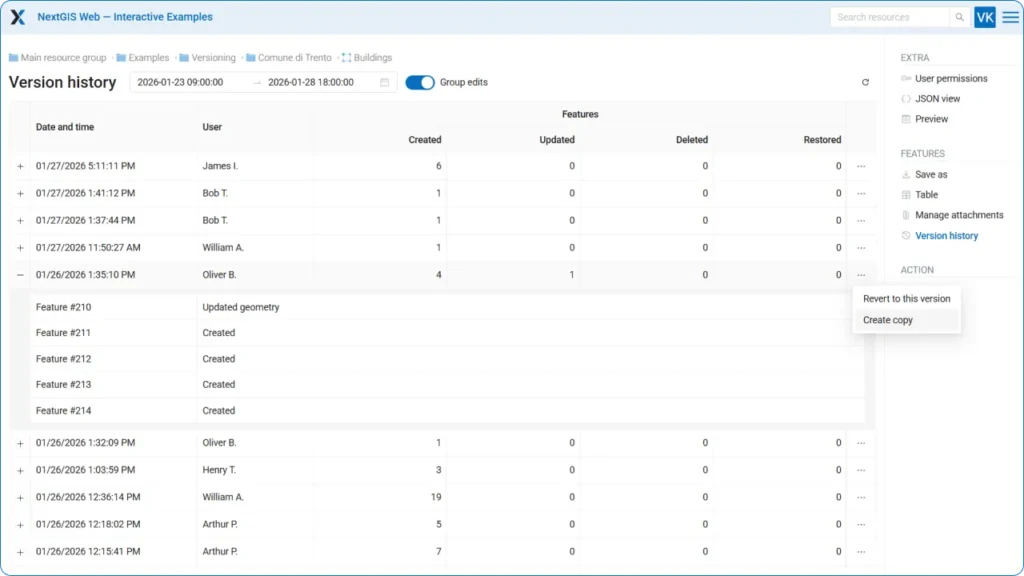
A key advantage of versioning is the ability not only to view edit history, but also to restore a layer to a specific version. You can roll back a layer or create a copy – effectively creating a point-in-time snapshot.
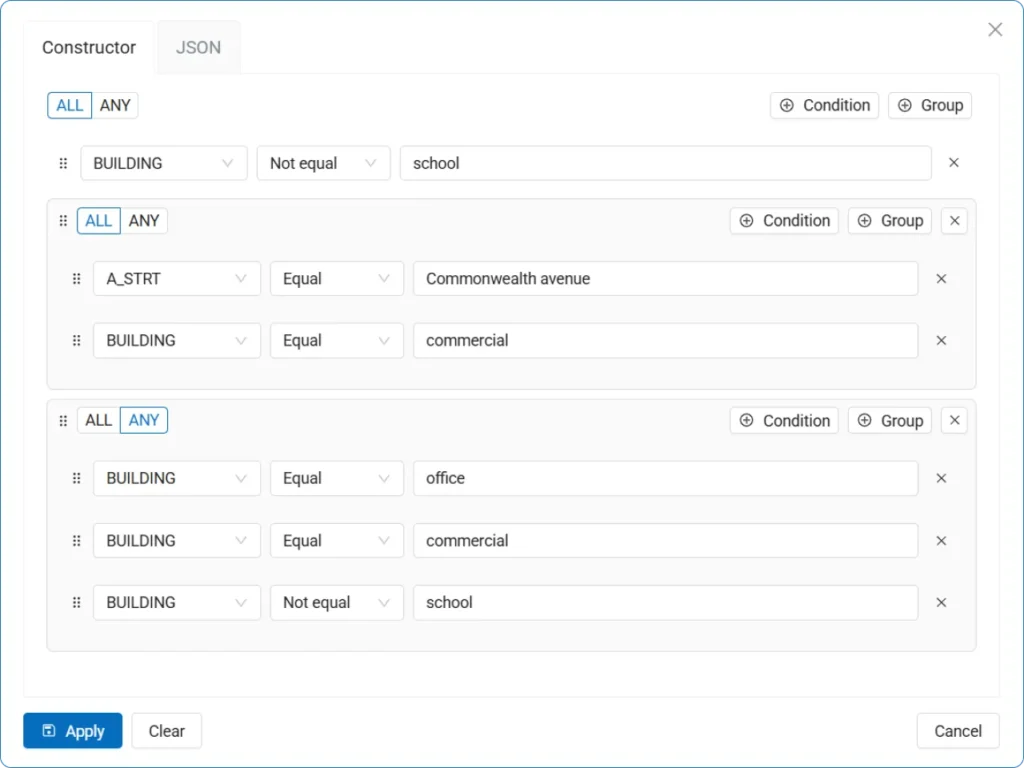
A powerful new filtering tool is now available in the layer feature table. For example, you can display only commercial buildings in a specific city district. You can define an unlimited number of conditions, and for each set of conditions you can specify whether “any” or “all” of them must be met.
Our documentation site now includes a comprehensive section on NextGIS Web On-Premise. This section covers installation, updates, backups, and system administration.
Additional user interface and backend improvements include:
We redesigned the Basemap dataset with a new visual style. When you order the dataset from NextGIS Data, you receive two QGIS project files – one using our new set of styles and the other using our original, time-tested styles.
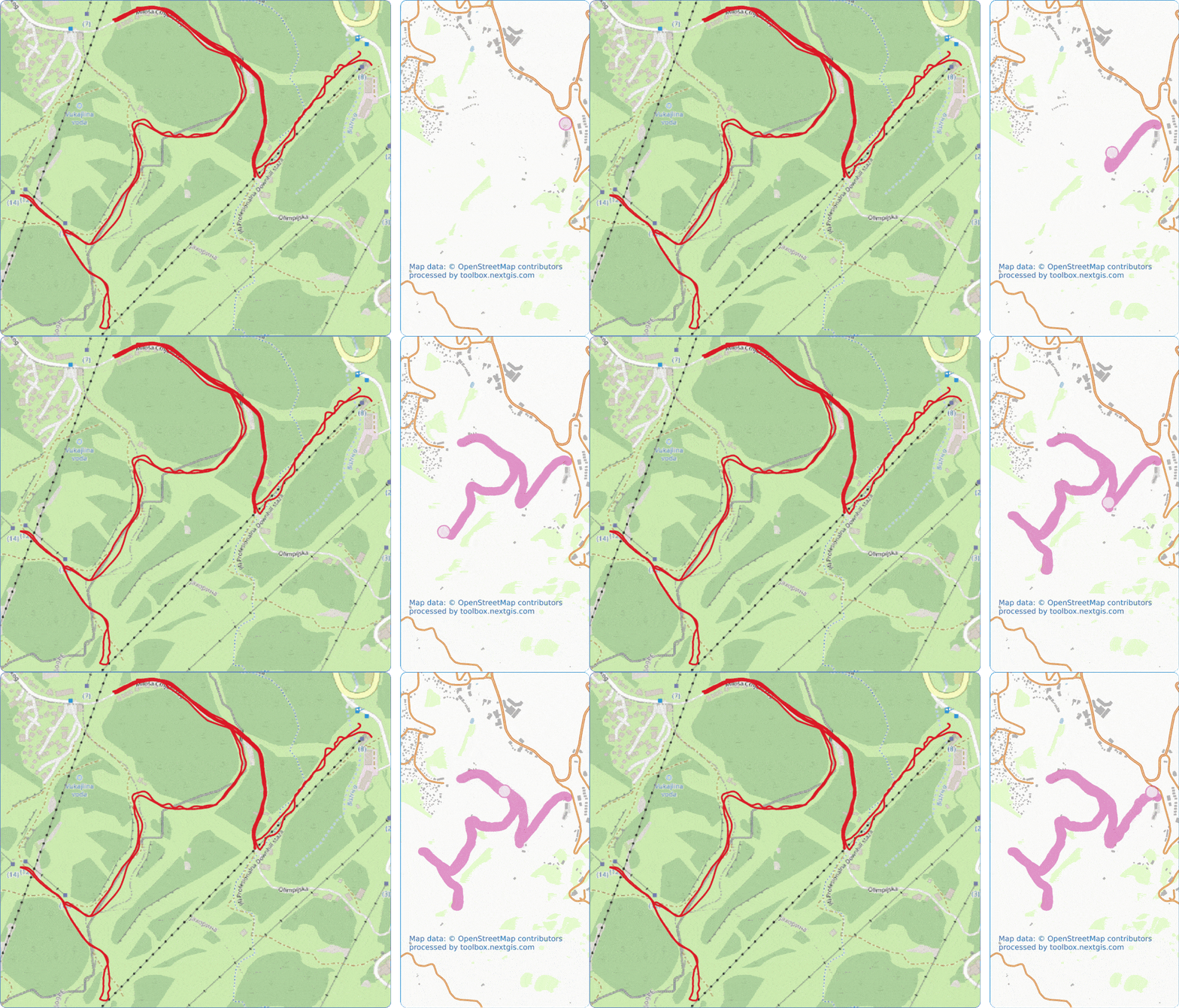
This tool generates a video showing an animated GPS track on a map. The video is generated in vertical format without captions – you can add markers and text in an editor before publishing to social media. Go to tool
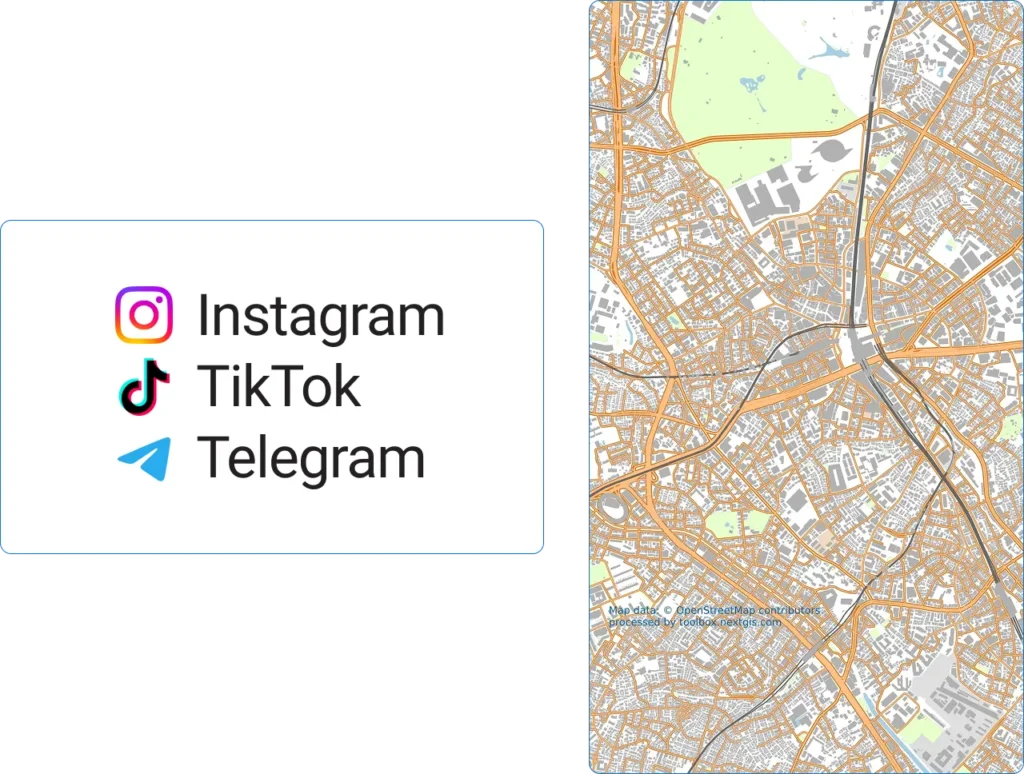
The tool creates a map image in vertical format, optimized for social media publishing. The map is generated without captions – you can add markers and text in a graphics editor. Go to tool
The tool converts GeoPackage (GPKG) files to Enhanced TAB (NativeX) format, compatible with MapInfo Pro 15.2 and higher. Attribute information in different languages is supported with correct Unicode processing – characters from alphabets other than Latin and Cyrillic are preserved correctly. The output file has UTF-8 encoding. Go to tool
The tool identifies and removes features with empty geometries from Web GIS layers. Go to tool
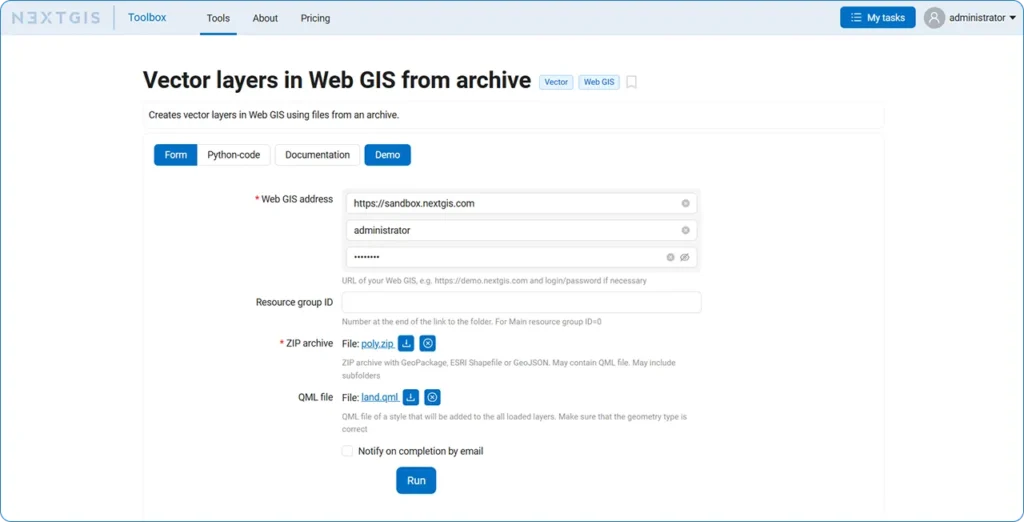
Each tool in the NextGIS Toolbox now includes demo data, making tools much easier to try. Just click the “Demo” button in the tool interface. This is especially useful if you’re unsure how to fill in the fields correctly.
The DevTools plugin for QGIS continues to evolve. The latest version adds script debugging and Qt6 support.
The new version includes special tools for rapid data preparation for use in MOLUSCE. Sampling points are saved as a temporary QGIS layer instead of shapefiles. Qt6 support has been added. Watch the video about the update.
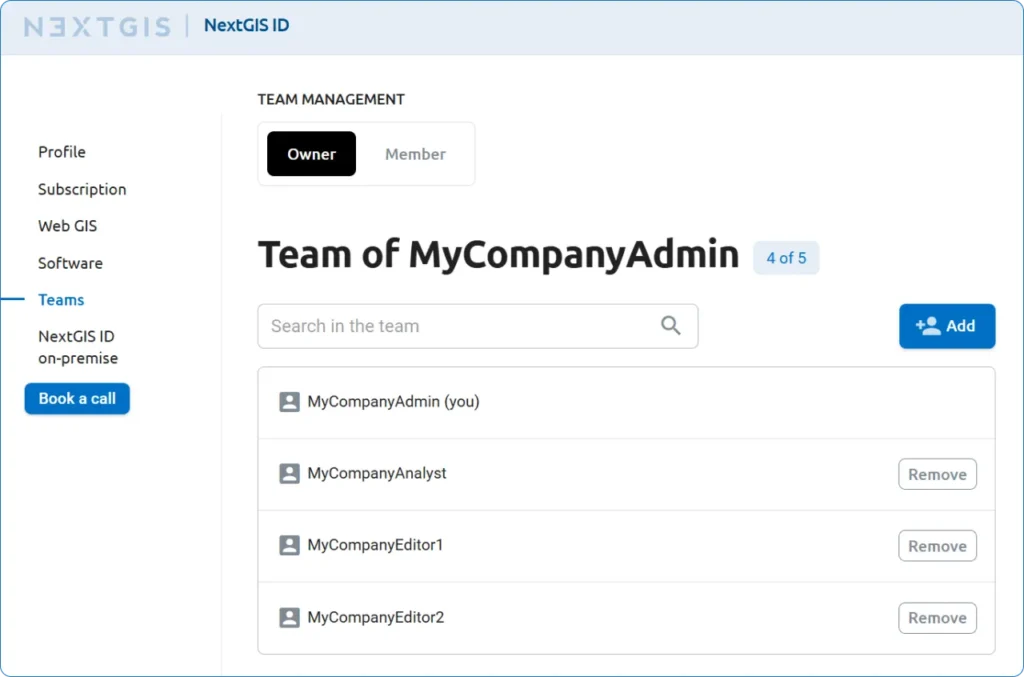
When you add a team member through your NextGIS account, they automatically appear in your Web GIS – no additional actions required.
When you remove a team member from your Web GIS, they automatically receive a “Inactive” status. If they don’t own resources, they can then be deleted without consequences.
Coming soon: the ability for users to leave a team independently and for admins to invite new members by email.
Your NextGIS account now has a unified menu of all platform services: Web GIS for cloud storage and interactive maps, NextGIS Data for obtaining data, NextGIS Toolbox with online geoprocessing tools, and NextGIS QuickMapServices – an open-source basemap catalog. A quick link to documentation has also been added.
Do you use NextGIS products? Share your experience with us – we’ll tell the GIS community about it. Send your developments to info@nextgis.com


