


NextGIS Collector: Mobile App for Team-based Field Data Collection
- Use custom mobile forms to collect data
- Work anywhere – online or offline
- Sync instantly to your central database and map
Install NextGIS Collector on Android from Google Play
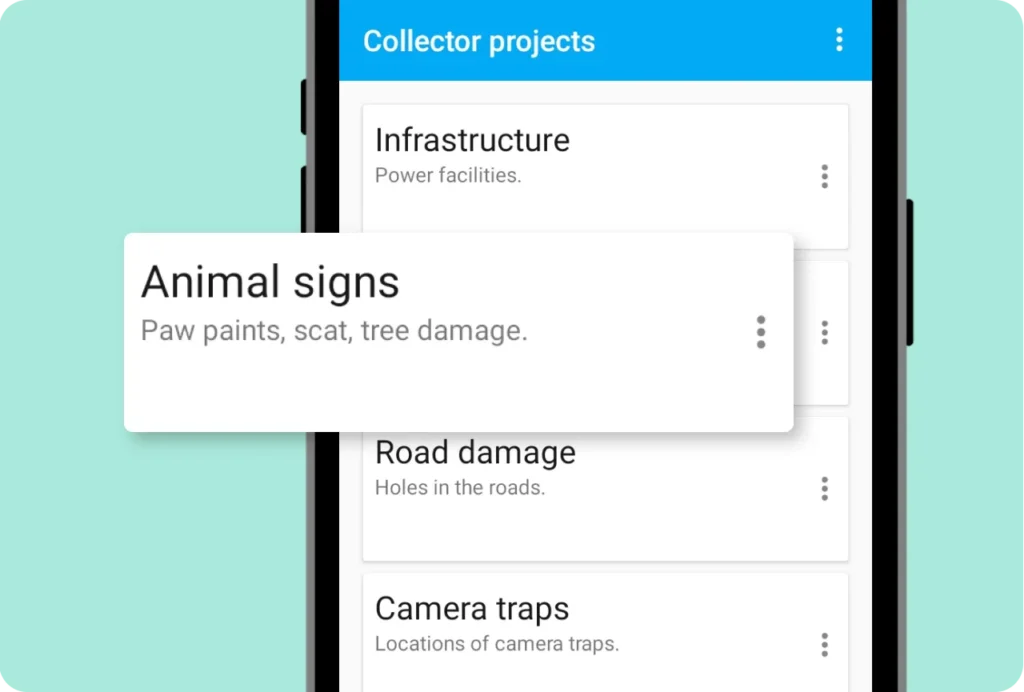
Choose Your Project
Set up data collection projects in your Web GIS, and your field team will see them instantly in the Collector app. The app displays all projects available to each team member. Team members choose a project – and start collecting data right away.
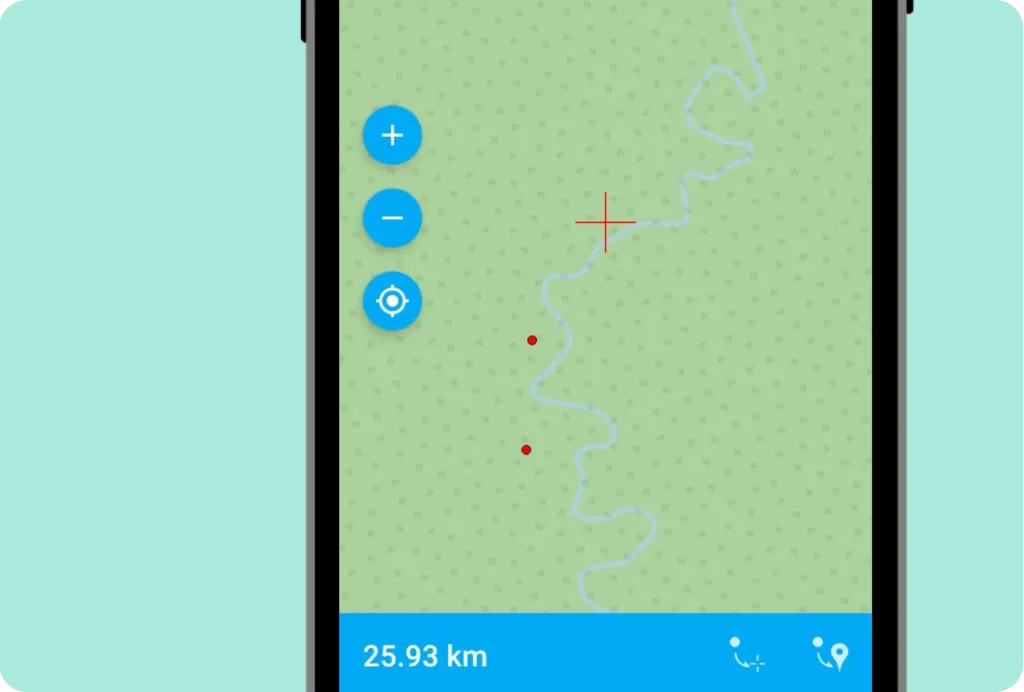
Intuitive Map Interface
The app displays the project map and helps pinpoint exact object locations. Team members can use device GPS positions or place points manually on the map.
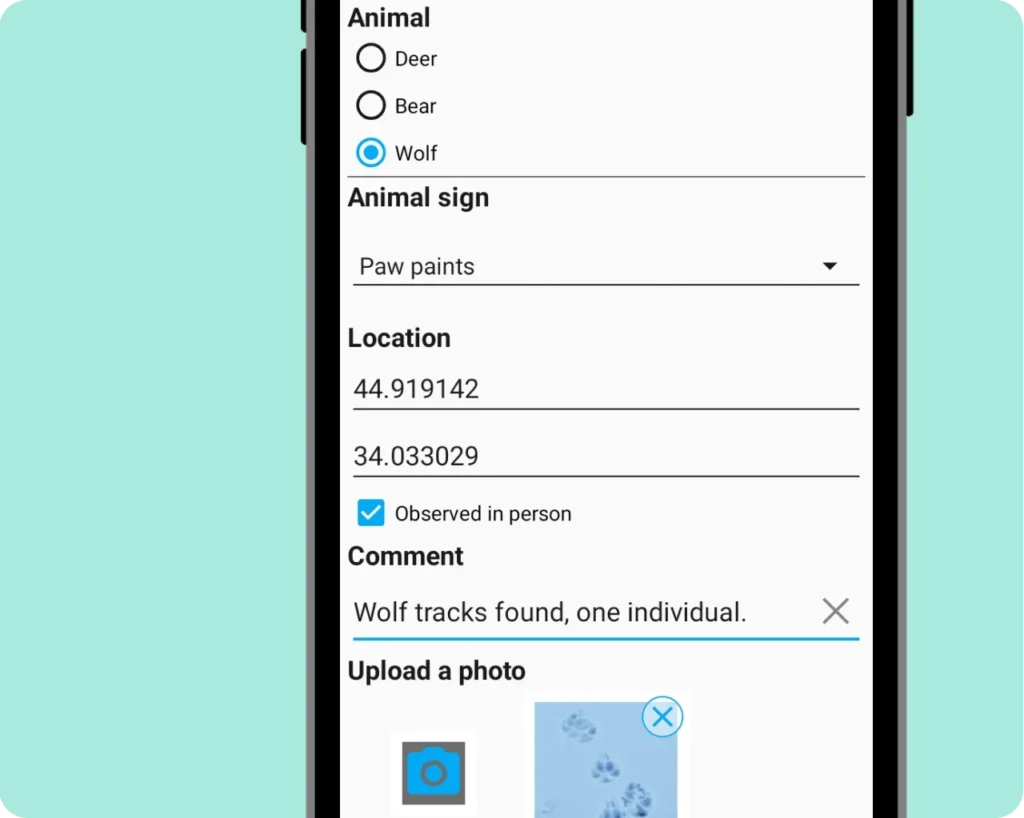
Build Your Own Forms
Create custom data collection forms for your team using the form editor in your Web GIS.
Design forms that fit your workflow perfectly – add radio buttons, dropdowns, checkboxes, date/time pickers, photo capture, and other specialized input fields. Each form element connects to a specific field in your vector layer. Once published, forms appear automatically in the Collector app – no app updates needed.
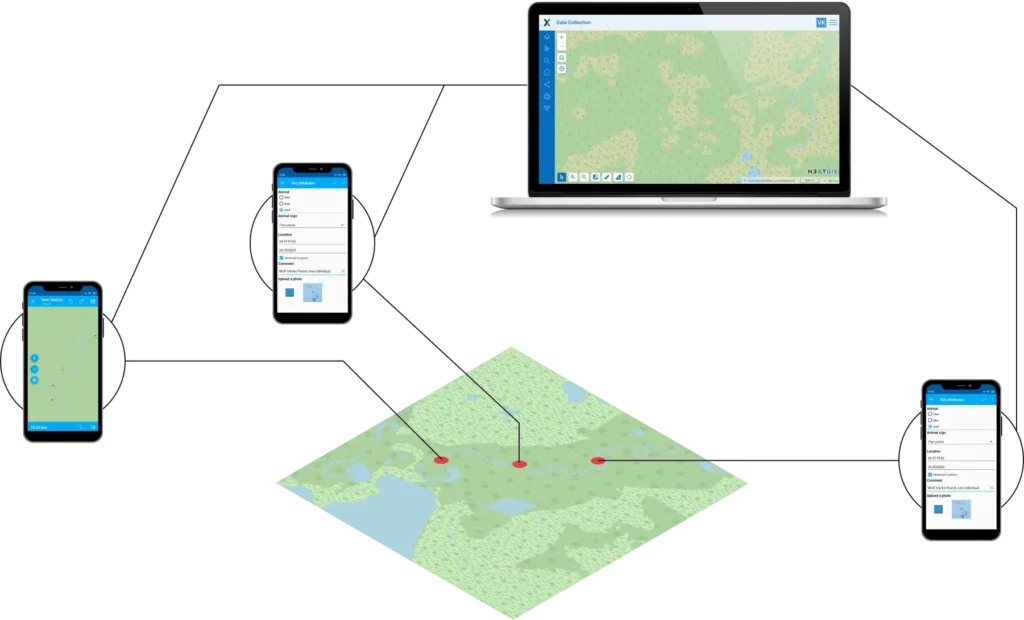
Work Online and Offline
Your team can collect data reliably even when connectivity is spotty. In remote areas with unstable connections, the Collector app saves data locally to each device. When connectivity returns, data syncs automatically to your central database – whether cloud or on-premise – and appears instantly on your web map, where you can monitor collection progress.
How to Use the App
Getting Started Guide:
Streamline Field Data Collection for Your Team
Available for Android smartphones and tablets.